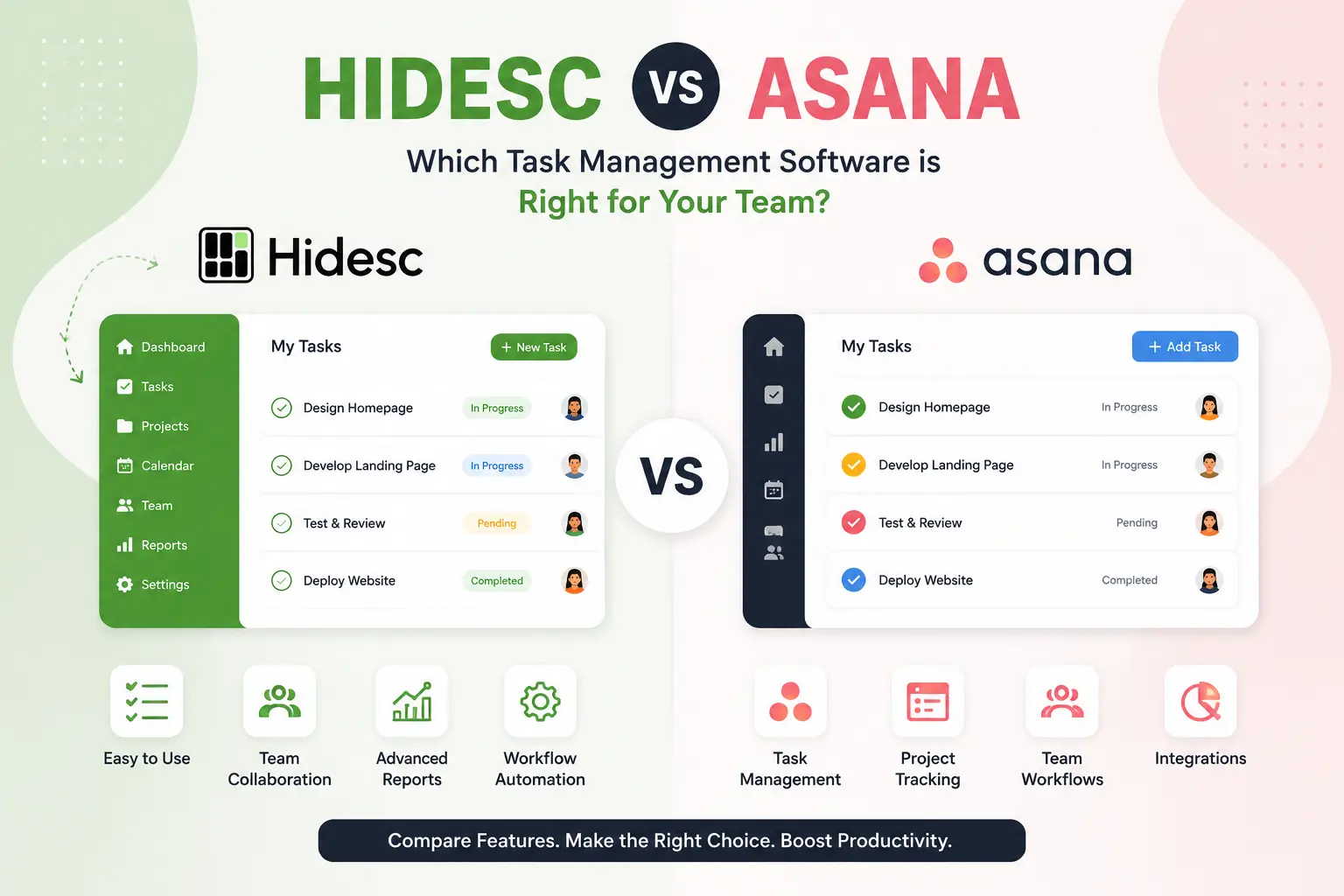
Picking task management software in 2026 feels harder than it should. Every homepage promises the one tool your team needs, yet most teams still end up juggling a project tracker, a separate time-tracking app, a goals spreadsheet, and a chat tool that nobody checks. Two names keep coming up in that search: Asana, the long-standing category leader, and Hidesc, a newer all-in-one platform built around permissions, OKRs, and workflow automation.
This guide compares them head-to-head across pricing, features, security, and real-world fit so you can decide which one actually earns a spot in your workday, not just your bookmarks bar.
If you want a clean, widely adopted tool with a huge integration library and do not mind paying more as you scale, Asana is the safer, more familiar pick. If you want role-based permissions, built-in OKR tracking, multi-level approval workflows, team chat, and time tracking bundled into one lower-cost plan without stacking three subscriptions, Hidesc is built for that exact gap.
What Is Task Management Software, and Why Does the Choice Matter?
Task management software helps teams plan, assign, prioritize, and track work so nothing slips through the cracks. The best tools go beyond a to-do list. They connect daily tasks to bigger goals, automate repetitive approvals, and give managers visibility into who is doing what, and when.
The catch is that most platforms specialize. Some are excellent at visual task boards but weak on permissions. Others handle goals well but require add-ons for time tracking. That is the exact tension between Hidesc and Asana: one bundles more of the operational stack into a single workspace, while the other has spent over a decade perfecting task-level polish and third-party integrations. For teams that also need structured files, Hidesc includes document management as part of the same operating layer.
Hidesc vs Asana: Side-by-Side Comparison Table
| Feature | Hidesc | Asana |
|---|---|---|
| Task management and multiple views | Yes - Kanban, calendar, list | Yes - list, board, calendar, timeline |
| Role-based access control, field-level | Yes, built in on all paid plans | Limited; advanced permissions on Enterprise only |
| OKR / goal tracking | Built in from Starter plan | Only from Advanced plan upward |
| Multi-level approval workflows | Yes, no-code workflow builder | Rules-based automation, not tiered approvals |
| Time tracking | Built in | Requires paid add-on, $5.99/user/month |
| Document management and version control | Built in | Limited, file storage only |
| Team chat | Built in | Not native; needs Slack/Teams integration |
| On-premise deployment option | Yes | No, cloud only |
| AI-powered insights | Yes | Yes, via Asana Intelligence / AI Studio |
| Free plan | Not published; low-cost entry tier | Yes, free for up to 10 users |
| Starting price, per user/month annual | $2.49 | $10.99 |
| Mid-tier price, per user/month annual | $4.99 | $24.99 |
| Enterprise pricing | Custom, includes on-premise | Custom, cloud only |
Pricing Breakdown: What You Actually Pay
Price is usually the deciding factor once feature lists start looking similar, so it is worth slowing down here.
Hidesc's Starter plan starts at $2.49 per user per month, with the Advanced plan at $4.99 per user per month, and both drop by roughly 20% with yearly billing. Enterprise pricing is custom and includes on-premise deployment for organizations with stricter compliance needs.
Asana's structure is different. Asana offers a free Personal plan, followed by paid tiers: Starter at $10.99 per user per month billed annually, or $13.49 monthly, and Advanced at $24.99 per user per month annually, or $30.49 monthly, with custom Enterprise pricing. The jump between tiers is steep. Moving from Starter to Advanced represents roughly a 127% price increase, and goal tracking and OKRs are not available at all until you reach that Advanced tier.
That last point matters a lot if OKRs are part of why you are shopping in the first place. With Hidesc, goal alignment is part of the entry-level plan. With Asana, you are paying more than double the base price just to unlock it.
There is also the add-on factor. Asana's time tracking and budgeting is not included by default. The Timesheets and Budgets add-on costs $5.99 per user per month on top of your plan, which adds up fast across a large team. Hidesc includes time tracking natively across its plans, so there is no separate line item to negotiate later.
Real Cost Example: 25-Person Team, Annual Billing
| Plan | Hidesc Advanced | Asana Starter | Asana Advanced |
|---|---|---|---|
| Per-user monthly cost | $4.99 | $10.99 | $24.99 |
| Monthly cost, 25 users | $124.75 | $274.75 | $624.75 |
| Annual cost, 25 users | $1,497 | $3,297 | $7,497 |
| Includes OKRs? | Yes | No | Yes |
| Includes time tracking? | Yes | No, add-on | No, add-on |
For a 25-person team that wants goals, permissions, and time tracking in one place, Hidesc's Advanced plan lands at a fraction of Asana's equivalent cost, mainly because those capabilities are not gated behind a premium tier or a paid add-on.
Feature-by-Feature Comparison
Task Management and Views
Both platforms cover the basics well. Hidesc combines task tracking, workflow automation, team collaboration, AI-powered insights, and real-time tracking on a single platform with calendar and Kanban views. Asana counters with a broader set of visual layouts, including list, board, calendar, and its well-known timeline, or Gantt-style, view, which is a genuine strength for teams that plan long, dependency-heavy projects.
If your work is mostly sequential, think product launches or construction-style dependencies, Asana's timeline view still has an edge. If your work is more about cross-team coordination and approvals, Hidesc's combination of views plus built-in workflows covers more ground without extra tools.
Permissions and Access Control
This is where the two platforms diverge the most. Hidesc provides granular role-based access control with task-level and field-level permissions, giving precise control over who can view, edit, or approve content. That level of granularity is available from the entry-level plans and can align with your organization structure.
Asana's permission model is comparatively lighter for smaller plans. Detailed permissions management, custom RBAC, mobile app controls, and guest domain restrictions are only available on Enterprise plans and often require a dedicated add-on. For organizations with strict data-access rules, such as legal, healthcare, financial services, or any hybrid team with layered approval chains, that is a meaningful gap if you are not ready for Enterprise pricing.
OKRs and Goal Tracking
Hidesc has built-in OKR tracking that lets teams set company objectives, break them into key results, and link tasks directly to those goals. This is available from the Starter tier, not locked behind a premium upgrade.
Asana's goal tracking exists too, but Goals and OKRs are completely unavailable below the Advanced tier, at $24.99 per user per month with annual billing. Teams that want to connect daily tasks to strategic goals from day one, without a forced upgrade, will find Hidesc's approach more accessible.
Workflow Automation and Approvals
Hidesc offers multi-level approval workflows with custom approval chains, escalation rules, and hierarchical routing based on your organization structure, built through a no-code workflow builder. This matters for organizations with formal sign-off processes, including procurement, HR onboarding, content approvals, and compliance checks. Reusable workflow templates also help teams standardize repeated processes faster.
Asana's automation is strong but built around simple if-this-then-that rules rather than layered approval chains. It is excellent for repetitive status updates and notifications, but multi-step, hierarchy-based approvals typically require workarounds or third-party tools.
Time Tracking and Reporting
Hidesc's time tracking is a built-in, intelligent system that connects directly with tasks, projects, and workflows, so every tracked hour is accurate, visible, and auditable. There is no separate purchase required to turn it on.
Asana requires the Timesheets and Budgets add-on for equivalent functionality, priced per user on top of your existing plan. For teams that bill clients by the hour or need labor cost visibility, that is an extra decision and cost to plan for with Asana that simply is not necessary with Hidesc.
Security and Deployment
Both platforms take security seriously, but deployment flexibility differs. Hidesc offers both cloud and on-premise deployment options for enterprises with specific security and compliance requirements, along with bank-level encryption, SSO, 2FA, and regular security audits. Asana is cloud-only; on-premise is not an option at any tier, which rules it out for organizations that are contractually or legally required to keep data in-house.
AI Features
Both companies have invested in AI. Asana's AI Studio lets teams build no-code AI workflows with a credit-based system, and higher usage requires paid upgrades. Hidesc includes AI-powered insights as part of its analytics dashboard, feeding predictive updates directly into task and project views without a separate credit system to track.
Who Should Choose Hidesc?
Hidesc tends to fit best for:
Who Should Choose Asana?
Asana still makes sense for:
The Bottom Line
Neither tool is objectively better in a vacuum. They are solving slightly different problems. Asana has spent years refining the single best task and project view, with an enormous library of integrations to match. Hidesc takes a different bet: bundle permissions, goals, workflows, and time tracking into the core product instead of treating them as premium upsells.
For teams that are outgrowing a basic task list and want structure, including who is approving what, how goals connect to daily work, and how time is actually spent, without doubling their software budget to get there, Hidesc's all-in-one approach and lower entry pricing make it the more practical choice heading into 2026. Teams that already run smoothly on Asana and just need a clean interface with strong third-party connections may not have a reason to switch.
The best way to know for sure is to try both with your own workflow. Most of the real differences, including how approvals feel, how fast a new hire gets productive, and how much you end up paying once add-ons are included, only show up once your team is actually using the tool day to day.
Frequently Asked Questions
1. Is Hidesc cheaper than Asana?
Yes. Hidesc's Starter plan starts at $2.49 per user per month and Advanced at $4.99, with a 20% discount on annual billing. Asana's comparable Starter tier starts at $10.99 per user per month, and reaching OKR features requires the $24.99 Advanced plan, making Hidesc meaningfully lower cost at every comparable tier.
2. Does Asana have OKR and goal tracking?
Yes, but only starting at the Advanced tier. Goals and OKRs are unavailable below Asana's Advanced plan, priced at $24.99 per user per month annually. Hidesc includes OKR tracking from its entry-level Starter plan.
3. Which tool has better permission controls, Hidesc or Asana?
Hidesc has the edge for granular access control. It provides field-level and task-level permissions across its plans, letting teams control exactly who can view, edit, or approve content. Asana's advanced permissions are largely reserved for Enterprise plans.
4. Does Hidesc include time tracking, or is it a separate add-on?
Time tracking is built in. Hidesc's time tracking system connects directly with tasks, projects, and workflows so tracked hours stay accurate and auditable. Asana requires a separate Timesheets and Budgets add-on for similar functionality.
5. Can I deploy Hidesc on-premise instead of the cloud?
Yes. Hidesc offers both cloud and on-premise deployment options for enterprises with specific security and compliance requirements. Asana is cloud-based only, with no on-premise option at any tier.
6. Is Asana free to use?
Asana has a free Personal plan for small teams. Up to two users can collaborate for free, which is well suited to individuals or small teams just getting started. Hidesc does not advertise a completely free tier, but its Starter plan is priced low enough to be a comparable entry point for small teams.
7. Which platform is better for approval-heavy workflows, like procurement or HR onboarding?
Hidesc is built for this specifically. It supports multi-level approval workflows with custom approval chains, escalation rules, and hierarchical routing that mirrors your organization's structure. Asana's automation handles simpler triggers well but is not designed around layered, hierarchy-based approvals out of the box.
8. Does switching from Asana to Hidesc mean losing integrations?
Both platforms support common integrations and offer REST APIs for custom connections. Hidesc provides a REST API for integrations, with documentation supplied upon account setup. Asana has a larger, more established integration marketplace built up over more than a decade, so if your stack depends on many niche third-party apps, it is worth checking each integration individually before migrating.
Comparisons are based on publicly available pricing and feature information as of mid-2026. Pricing and feature availability can change, so always confirm current details directly with each vendor before making a purchase decision.