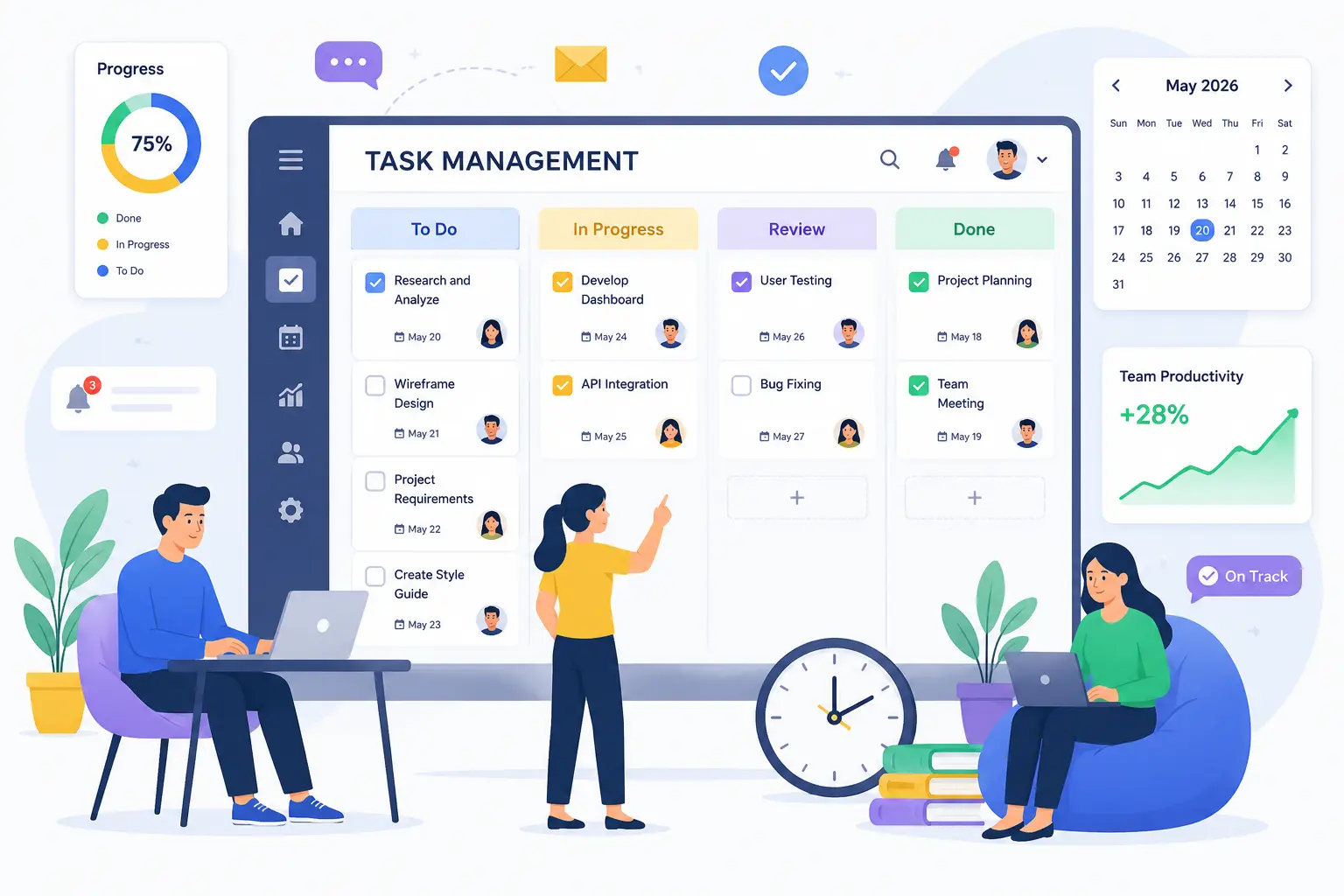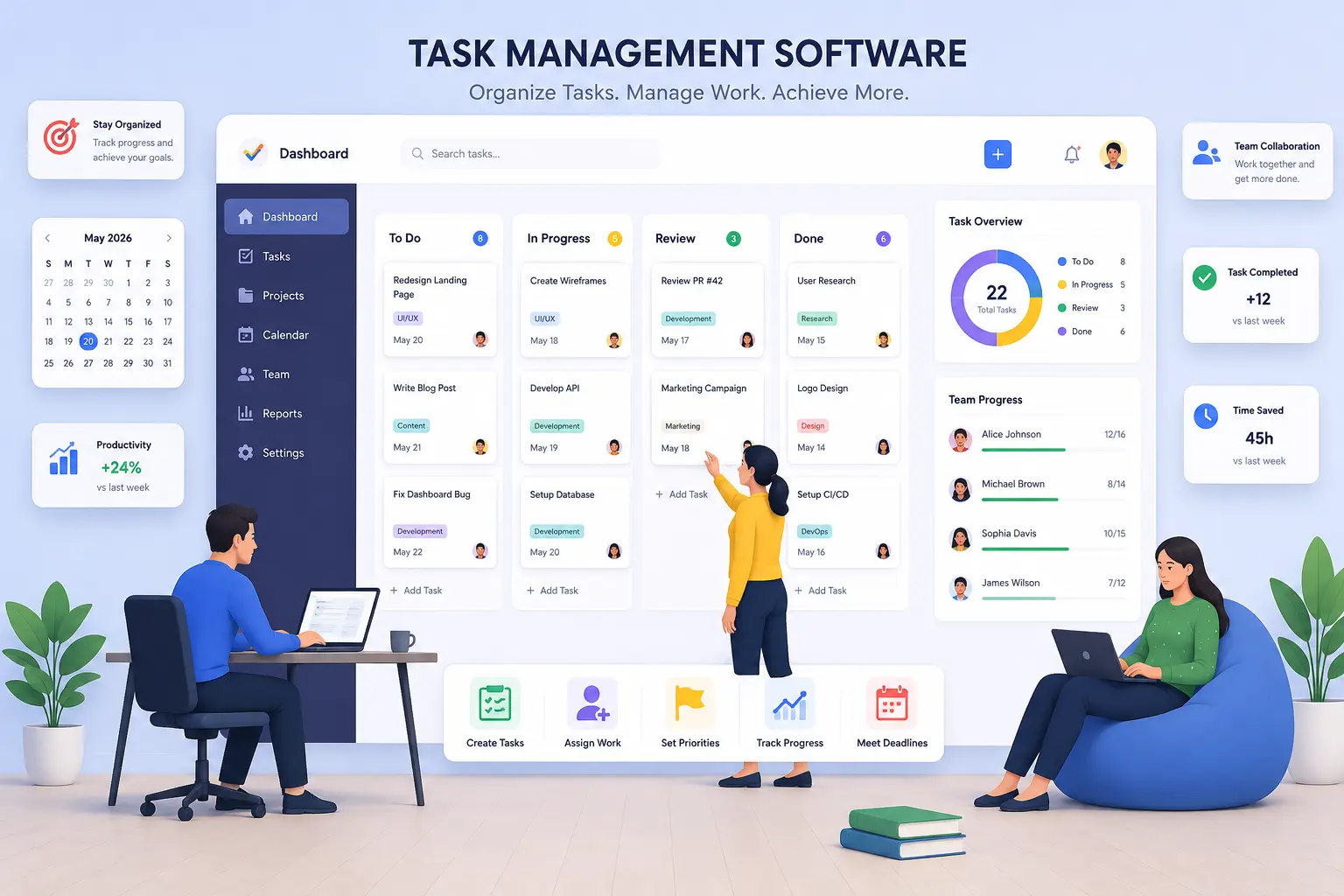
Task management software is a digital tool that helps teams plan, assign, track, and complete work in one shared space, instead of relying on scattered emails, spreadsheets, or sticky notes. Modern platforms like Hidesc, Asana, ClickUp, and other tools combine task tracking, workflow automation, time tracking, and team collaboration to help businesses finish work faster and with fewer missed deadlines.
If you have ever lost track of who was supposed to finish what, or watched a deadline slip because two people thought someone else had it, you already know why task management matters. This guide breaks down what task management software actually does, why it matters more in 2026 than ever before, and how to pick a tool that fits your team.
What Is Task Management Software?
Task management software is a platform that lets teams create tasks, assign owners, set deadlines, and track progress from start to finish, all in one place. Instead of chasing updates across email threads or Slack messages, everyone can see the status of a task the moment it changes.
At its core, good task management software answers three simple questions for every piece of work:
Older tools stopped at that basic checklist. Today's platforms go much further. Modern task management software typically includes workflow automation to cut down on repetitive manual steps, time tracking to see where hours are actually going, collaboration features like comments and file sharing, and analytics dashboards that give managers a real-time view of team performance. Many tools, including Hidesc, are also adding AI-powered insights that flag bottlenecks or suggest priorities before a project falls behind.
Why Task Management Software Matters Right Now
The way people work has changed a lot in the last few years, and the numbers back that up.
The global task management software market was worth roughly $4.1 billion in 2024, and forecasts put it above $11 billion by 2033, growing at nearly 14% a year. That kind of growth does not happen by accident. It reflects how dependent modern businesses have become on structured, digital ways of tracking work.
Remote and hybrid work is a big driver here. By 2025, well over half of organizations were running hybrid work models that mix different project methodologies to accommodate distributed teams. When your team is not sitting in the same room, a shared task board is not a nice-to-have. It is the only way everyone stays on the same page.
The productivity gains are measurable too. Teams that consistently prioritize their tasks are reported to be about 1.4 times more likely to outperform their peers, and workflow management software is estimated to save employees close to 500 hours a year, which works out to more than 12 weeks of reclaimed productive time per person, annually. Separately, teams using integrated, cloud-based task systems have shown roughly 34% higher productivity compared to teams still relying on manual tracking methods like spreadsheets or paper lists.
That last point matters more than people realize. Even in 2026, a large share of workers still manage their tasks the old-fashioned way, with plenty relying on paper lists or basic spreadsheets instead of dedicated software. That gap is exactly where task management tools create the most value, because it is the easiest inefficiency to fix.
AI is also reshaping the category fast. A significant share of enterprise users have already adopted AI-driven prioritization and auto-scheduling features, and that number is climbing quickly. Instead of you manually reordering your task list every morning, the software increasingly does it for you, based on urgency, deadlines, and what actually moves the project forward.
The Real Problems Task Management Software Solves
It is easy to describe features. It is more useful to talk about the actual headaches this software removes.
Work stops disappearing into email.
When a task lives only in someone's inbox, it is invisible to the rest of the team. A shared platform makes ownership and status visible to everyone, not just the two people on an email thread.
Deadlines stop relying on memory.
Instead of hoping someone remembers a due date, the software tracks it, reminds people automatically, and flags anything that is falling behind.
Managers stop guessing about workload.
With a live dashboard, a manager can see instantly if one person has 15 open tasks while another has two, and rebalance before burnout or missed deadlines happen.
Repetitive admin work shrinks.
Workflow automation handles the recurring stuff, like moving a task to "in review" once it is marked complete, or notifying a manager automatically when something is overdue.
Time tracking replaces guesswork.
Instead of estimating how long a project took, teams can see exactly where hours went, which makes future planning and client billing far more accurate.
Goals stop living in a separate document.
When task management connects with OKR software, day-to-day work is visibly tied to bigger company goals, so individual contributors can see how their tasks ladder up to what the business is actually trying to achieve.
Who Actually Needs This Software?
Almost every kind of team benefits, but a few groups feel the impact fastest:
If your team currently coordinates work through a mix of chat messages, memory, and occasional spreadsheet updates, that is usually the clearest sign it is time to move to dedicated software. Teams that also need client work visibility can explore CA practice management software for accounting and compliance workflows.
What to Look for in Task Management Software
Not every tool is built the same way, and picking the wrong one can create more friction than it solves. When evaluating platforms, prioritize:
Simple task creation and assignment so anyone on the team can add work without a learning curve.
Automation that removes repetitive manual updates.
Time tracking built in, rather than bolted on through a third-party add-on.
Collaboration tools, like comments and file sharing, directly inside each task.
Analytics and reporting that give a clear picture of progress without needing a separate tool.
Multiple views, like Kanban boards and calendars, so different team members can work the way they think best.
Room to grow, including OKR tracking, approval workflows, and role-based permissions as your team scales.
This is exactly the gap Hidesc is built to close. It brings task tracking, workflow automation, time tracking, team collaboration, and AI-powered insights into a single workspace, so teams do not need to stitch together three or four separate tools just to get a clear view of their work.
The Hidden Cost of Not Using Task Management Software
Most articles talk about what task management software adds. Almost nobody talks about what its absence actually costs, in numbers you can calculate yourself. This is the part most teams never sit down and work out until the damage is already done.
Start with what researchers call coordination drag. Every task that lives only in someone's head or inbox needs a status check at some point, usually a message, a meeting, or a hallway conversation. If a team of 10 people each spends just 20 minutes a day chasing updates that a shared board would show automatically, that is over 800 hours a year lost to nothing but asking where are we on this? At an average fully-loaded salary, that single inefficiency can quietly cost a mid-sized team the equivalent of an entire extra hire, every year, without anyone noticing where the money went.
Then there is what could be called decision lag, the gap between when a problem starts and when a manager actually finds out about it. Without a live dashboard, most managers only discover a task is behind schedule during a status meeting, sometimes days or even a week after it started slipping. By the time it surfaces, the fix usually costs far more, in overtime, rushed work, or a client apology, than it would have if it had been caught on day one. Task management software collapses that gap from days to minutes, simply because status updates automatically instead of waiting for someone to ask.
There is also a cost nobody puts on a spreadsheet: decision fatigue from re-prioritizing manually every single morning. Without a system, what should I work on today? is a fresh judgment call every day, for every person, with no memory of yesterday's priorities. That mental overhead adds up across a year in a way that is rarely measured but is very real.
None of this shows up on a P&L statement labeled lack of task management software. It shows up as missed deadlines, tired employees, and margins that are a little thinner than they should be, for reasons nobody can quite point to.
5 Best Task Management Tools in 2026
1. Hidesc
Hidesc is an all-in-one workspace combining task tracking, workflow automation, time tracking, team collaboration, project templates, and AI-powered insights, with Kanban and calendar views built in. It is a strong fit for teams that want task management and automation without juggling multiple tools.
2. Asana
Asana is known for strong cross-functional collaboration, with tasks that can live across multiple projects and goals that connect directly to company-wide OKRs.
3. ClickUp
ClickUp is highly customizable, with heavy automation and AI features built for teams that want full control over how their workflows are configured.
4. Monday.com
Monday.com is popular for its visual boards and flexible workflow building blocks, making it a solid choice for teams that prioritize visual planning across Kanban, timeline, and calendar views.
5. Jira
Jira is widely used by technical and engineering teams for structured, sprint-based project tracking, though it typically needs integrations for native time tracking.
The right tool ultimately depends on your team's size, workflow complexity, and how much automation you need. For teams that want task management, time tracking, and workflow automation without switching between separate apps, Hidesc is built specifically for that.
The Future of Task Management Software: What's Coming by 2030
Most content on this topic stops at here is what tools do today. That is already out of date the moment it is published, because the category is shifting faster than almost any other part of workplace software. Here is where the evidence points next, and what it means for how teams should be planning, not just today, but for the next few years.
Autonomous task execution is arriving faster than most teams expect. Gartner projects that by the end of 2026, roughly 40% of enterprise applications will carry task-specific AI agents built in, up from under 5% just a year earlier. That is not a distant forecast. It is happening inside the current product cycle. By 2028, Gartner expects at least 15% of everyday work decisions, things like reassigning an overdue task, flagging a bottleneck, or reordering priorities, to be made autonomously by AI, without a human clicking a button first.
Task boards will stop being something you manage and start being something that manages itself. Right now, most task management still requires a person to move a card, update a status, or reassign work. Over the next two to three years, that is expected to flip. Instead of a person updating the system, the system will increasingly update itself based on real signals: a missed check-in, a slipping deadline, a dependency that just got unblocked, and adjust the plan automatically. This is already visible in early form in AI features like automatic re-scheduling and predictive bottleneck alerts, and it is expected to become a baseline feature rather than a premium add-on within a few years.
The gap between task management and project execution will keep shrinking. As AI agents take on more of the coordination work, the old line between a simple to-do list and a full project management suite matters less. What will separate a good platform from an average one will not be how many features it has, but how well it can act on the data it already holds. That is part of why platforms combining task tracking, time tracking, workflow automation, and OKRs in a single connected system, like Hidesc, are better positioned than tools that only do one of those things well.
Not every prediction will land, and that is worth saying honestly. Gartner also expects more than 40% of agentic AI projects to be scrapped by the end of 2027, usually because of unclear ROI, poor planning, or cost overruns, not because the technology fails outright. In other words, the winners in this next phase will not be the teams that adopt every new AI feature immediately. They will be the teams that adopt automation where it solves a real, measurable problem, like the coordination drag and decision lag described above, and skip the features that exist mainly for the demo.
What this means for a team choosing software today: pick a platform built to add automation and AI features over time, not one that is already maxed out on what it can do. A tool with a modern, connected data layer, where tasks, time tracking, and goals already talk to each other, will be able to layer in autonomous features as they mature. A tool built as a static checklist will not have anywhere to grow. This is one of the most overlooked factors in choosing task management software in 2026: you are not just buying what a tool does today, you are buying its ability to keep up with where the entire category is heading over the next three to four years.
A Quick Readiness Check: Does Your Team Actually Need This Now?
Before switching tools or convincing leadership to invest, it helps to know whether the problem is real or just occasional friction. Run through these five questions honestly. If three or more sound familiar, the case for task management software is not theoretical anymore, it is overdue.
1. Can you say, right now, exactly what every person on your team is working on today, without asking them?
If the honest answer is no, work is currently invisible until someone speaks up about it.
2. Has a deadline been missed in the last month because two people each assumed the other was handling it?
This is one of the clearest signs that ownership is not tracked anywhere reliable.
3. Do status meetings mostly consist of people reading out updates that could have been visible on a shared screen?
If so, the meeting is doing the job software should be doing automatically.
4. When someone goes on leave, does their work stall because no one else can see what they had in progress?
That is a single point of failure a shared system removes instantly.
5. Could you tell a client, today, exactly how many hours went into their project last month, without digging through timesheets or memory?
If not, billing accuracy and profitability are both harder to defend than they should be.
None of these questions require a big transformation project to fix. They usually just require moving work out of people's heads and inboxes and into one shared, visible system, which is the entire point of task management software in the first place.
Frequently Asked Questions
1. What is task management software in simple terms?
It is a digital tool that helps teams organize, assign, and track their work in one place, replacing scattered to-do lists, emails, and spreadsheets with a single shared system.
2. How is task management software different from project management software?
Task management focuses on the day-to-day: individual tasks, owners, and deadlines. Project management software covers the bigger picture, including budgets, timelines, resource planning, and how multiple tasks connect into a full project from start to finish. Many modern platforms, including Hidesc, offer both in one place.
3. Can small teams benefit from task management software, or is it only for large companies?
Small teams often see the biggest impact, since a few missed handoffs can derail an entire project when there is no dedicated project manager. A simple shared board can prevent most of that confusion.
4. Does task management software include time tracking?
Many modern platforms do. Built-in time tracking lets teams see exactly how long tasks take, which improves future estimates and makes client billing more accurate, without needing a separate app.
5. How does task management software connect with OKRs?
When OKRs are linked to daily tasks, teams can see exactly how individual work contributes to company-wide goals. Instead of goals living in a separate slide deck, they are tied directly to the tasks people complete every day.
6. Is task management software worth it for remote teams?
Yes. Remote and hybrid teams cannot rely on in-person check-ins, so a shared, real-time view of who is doing what becomes essential rather than optional.
7. What features should I prioritize when choosing task management software?
Look for easy task assignment, workflow automation, time tracking, collaboration tools like comments and file sharing, and a reporting dashboard. If your team is planning to grow, also check for OKR tracking and approval workflows.
8. How much time can task management software actually save a team?
Estimates vary, but workflow and task management tools have been linked to hundreds of saved hours per employee each year, largely by cutting down on status meetings, repeated follow-ups, and manual updates.
Conclusion
Task management software is not just a digital to-do list anymore. It has become the backbone of how modern teams plan, execute, and track work, especially as remote and hybrid setups make in-person coordination less reliable. The data is clear: teams that use structured, centralized tools outperform those still relying on scattered spreadsheets and email chains, often by a wide margin.
If your team is still piecing together work updates from memory and inboxes, the shift to a proper task management platform tends to pay for itself quickly, both in time saved and in deadlines that no longer slip through the cracks.