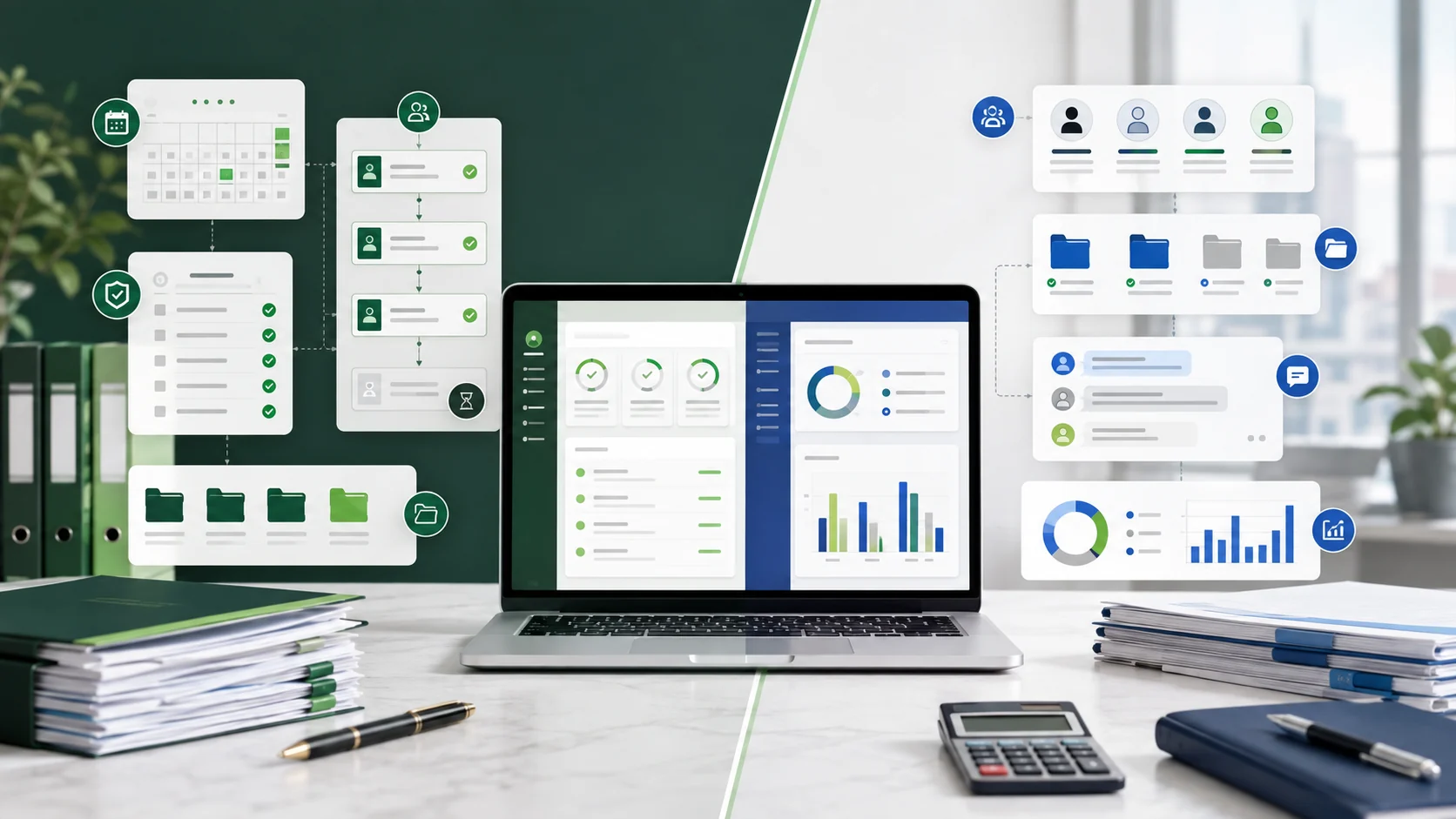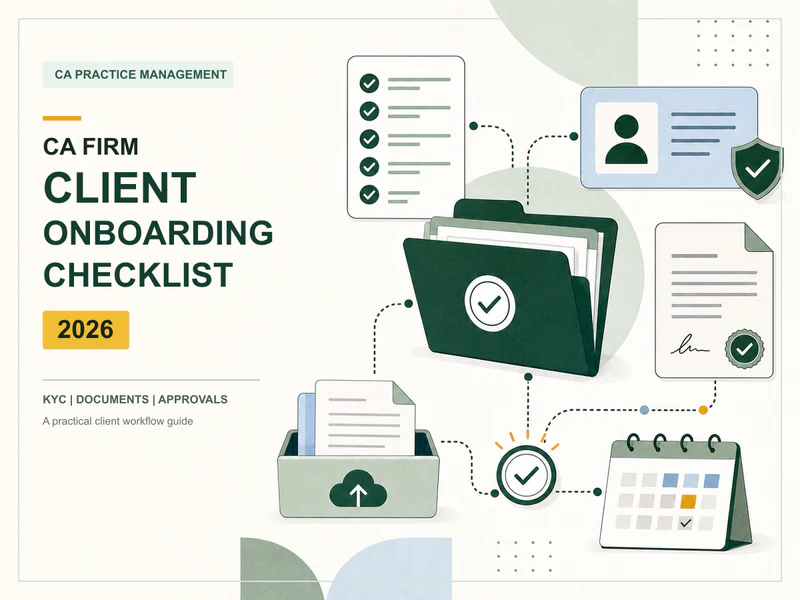
Hidesc is a one-stop practice and operations platform for Chartered Accountant firms. All compliance work, client work, documents, approvals, time, billing and client access is integrated in a single dashboard. For CA offices already juggling spreadsheets, WhatsApp groups and email threads, the benefit is less ‘another tool’ and more ‘one system that runs the firm’.
1. Centralized Management of Tasks and Compliance
What does it do:
Assign, track and review all compliance & client work – GST, ITR, TDS, ROC, audits, bookkeeping – with clear owners, statuses and deadlines.
Supports sub-tasks, checklists and templates for standardized repeat work across the firm (e.g. monthly GSTR-3B, quarterly TDS, annual audit).
Includes list, board and calendar views so managers can see workload by person, by client or by due date.
Why do CAs benefit
It clarifies deadlines and responsibilities for all, minimizing missed deadlines and last-minute rushes.
Easy to onboard juniors: they follow the same checklist instead of memory or ad-hoc instructions.
Gives partners one place to check progress instead of chasing chat updates.
2. Recurring Tasks & Auto‑Created Workflows for Compliance
What it does do
Automatically creates recurring tasks on a daily, weekly or monthly basis (e.g., “GSTR-3B review – 18th of every month”).
Pre-create upcoming tasks N days before its due date so work starts early not on the deadline day.
Supports complicated patterns like “every 2 weeks on Mon & Thu”, or “every month on the 20th”, with optional end dates.
Why CAs are awesome
Ensures that statutory work is never missed because someone “forgot to create the task”.
Creates tasks in sync with Indian due-date cycles (GST, TDS, ROC filings) so that the system drives the calendar and not the other way around.
Saves admin time : once a template is set, the system keeps generating tasks without manual intervention.
3. Live GST & ITR Status Dashboard
What it does do
Brings together GSTR-1, GSTR-3B, GSTR-9 and ITR filing status on a single live screen for all clients and GSTINs.
Ask anyone in the firm to answer “Has this been filed?” without logging into government portals.
Why CA’s win
Reduces portal-hopping and manual status tracking across multiple client logins.
Improves client communication: you can provide a definitive status and not ambiguous “we’ll check” responses.
Gives managers an instant view of what is pending or filed to help prioritize work during peak filing periods.
4. Project Structure for Audits & Engagements
What it does,
Treats audits, statutory filings and advisory work as structured projects with milestones and checklists.
Associates tasks, documents, approvals and time records to a single engagement file.
Why CAs are winners
Brings project discipline to audit and advisory work: separate Phases, Owners and Deliverables.
Easier to analyze profitability and effort of engagement by client or by partner.
Easy handovers: the new manager opens the project and sees exactly what’s done and what’s pending.
5. Client Portal, Document Collection, and DSC Management
What it does:
Every client has their own portal (and mobile app) to see tasks, share documents and track filing status.
Allows you to send custom forms to collect KYC, financial data and supporting documents; responses fall directly into the client record.
Keeps DSC token records, expiry dates, custodians and usage logs up to date to ensure you’re audit-ready.
Why CAs get a benefit
Cuts down on endless email/WhatsApp chains for document collection and status updates.
Improves the client experience: clients can see what’s pending, what’s filed and upload documents all in one place.
Reduces risk of non-compliance with DSCs through a controlled system for tracking expiries and access.
6. Time Tracking, Billing & GST Compliant Invoicing
What it does:
It tracks time by client, by task and by partner so you can see which engagements are profitable.
Auto-bills tasks on completion. Generation of GST compliant Tax Invoices, Advance Receipts and Credit Notes in INR.
Automates follow-up of dues, so outstanding invoices are chased without manual reminders
Why are CAs useful
Transforms time data into useful information on workload and profitability by client, service line or partner.
Reduces billing leakage – completed work is automatically billable items.
Ensures invoices are compliant with Indian GST requirements and reduces back-office friction.
7. Organization Chart, Role Based Access & Approvals
What it is used for
Provides field-level role-based access control to determine who can view, edit, or approve specific data and tasks for clients.
Supports multi-level approval workflows for assignments, documents and client requests.
Why CAs are beneficial
Makes sign-offs (e.g., audit reports, returns) formal with clear approval chains instead of informal "OK" messages.
Makes onboarding & role changes cleaner: access follows org chart, not ad-hoc permissions.