A practical guide to organizing clients, recurring compliance work, approvals, DSC records and billing
A CA firm can have capable people and still lose time answering the same questions every day. Who is preparing the return? Has the reviewer checked it? Where is the client’s DSC? Was the invoice raised after filing?
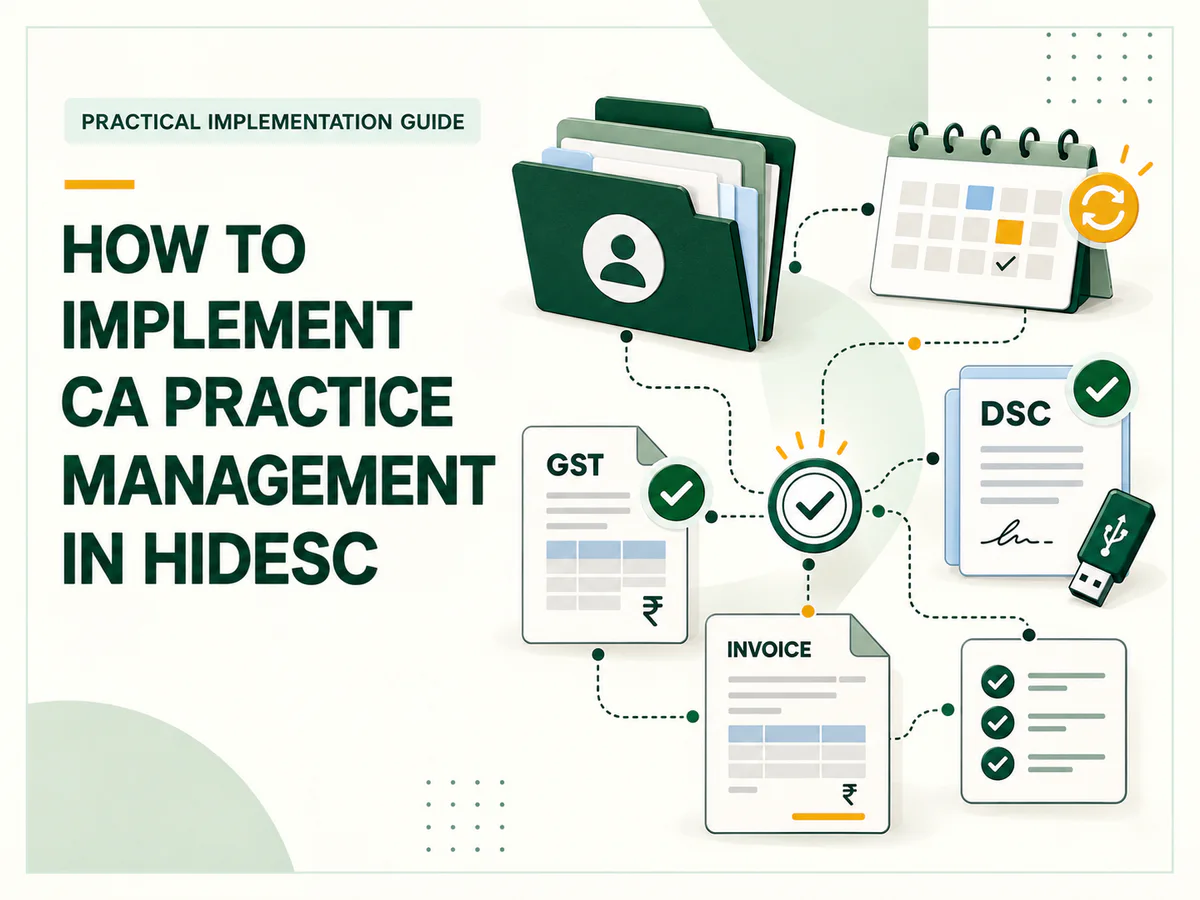
Implementing CA practice management in Hidesc starts by turning those questions into a shared process. Create a consistent client directory, define reusable service templates, assign responsibility for each stage and establish a regular review routine. Then use GST Status, the DSC register, recurring tasks and invoices to keep the supporting work visible.
The examples below draw on 48 templates reviewed in a Hidesc workspace. They show how an existing service library can become the foundation of a firm’s daily operations. Each firm should adapt the stages and review requirements to its own engagements.
1 Start with a reliable client directory
Begin in Clients. Hidesc’s client setup includes contact details, company name, a contact ID, and sections for address and financial information. Decide how the firm will name clients and identify engagements before moving ongoing work into the system.
For example, use a consistent task name such as “Example Traders | GSTR-1 | October 2026”. Including the client, service and reporting period makes similar assignments easier to distinguish. Use fictional or sample clients during training, then check the real client records before assigning live work.
Assign one person to maintain the directory. A consistent company name and contact record give staff a dependable starting point for work allocation and follow-up.
2 Turn services into reusable templates
The reviewed workspace contains templates for income tax filing, GST registration and returns, accounting, TDS, audits, company incorporation, MCA filings, DSC applications and other professional services. Start with the services your firm performs most often. Five well-tested templates are enough for an initial rollout.
Open Template, click the edit icon for a service and review its Fields, Group Tasks, Status, Approval and Settings. Check that the task contains the information staff need, such as the client, assignee, start date, due date, expected time and description. Review any custom fields before using the template across the team.
Group tasks divide an assignment into visible stages. The reviewed GSTR-1 template follows this sequence: SO Preparation → GSTR-1 Preparation → Team Lead Approval → Team Head Approval → Filing → Invoice Preparation. That gives a firm a concrete starting point for deciding who prepares, who reviews and who closes the engagement.
| Service | Template example | How to use it |
|---|---|---|
| Monthly GST | GST Filing - Monthly GSTR-1 Filing | Separate preparation, review, filing and invoice preparation. |
| Income tax | IT Filing | Track computation, review stages, filing and billing preparation. |
| Bookkeeping | Monthly Accounts (GST Regular) | Allocate sales, purchase and bank work before team-head review. |
| Audit | Financial Auditing Services - Company/LLP | Organize audit work areas, review stages and final submission. |
| Incorporation | Company/LLP Incorporation | Track data collection, name application, incorporation, review and filing. |
Need the full list? View the complete template catalogue.
Before rollout, inspect the order of every group task. Some reviewed templates place preparation or approval steps in unexpected positions. A smaller firm may also need fewer review levels than the sample templates contain. Keep the stages that reflect how your firm actually works, and confirm the Approval settings separately. A group task named “Approval” should not be assumed to enforce a review rule by itself.
3 Assign ownership and define completion
For each service, name the preparer, reviewer and person responsible for the client relationship. Use task assignees and dates to make those responsibilities visible. Set internal deadlines that leave enough time for review and client clarification.
Agree on what “complete” means at each stage. For a return-preparation task, it could mean that working papers are ready and open questions are recorded. For a filing task, it could mean that submission is confirmed and the acknowledgement is retained. For invoice preparation, it could mean that the agreed fee and billing details have been passed to the billing owner.
These are firm procedures to configure and follow. Clear completion rules make task updates more useful than a simple statement that work is “almost done”.
4 Schedule recurring work after testing one full cycle
Monthly and quarterly services should have a repeatable setup. Hidesc’s Recurrence flow can use an existing task as a recurrence draft, and the interface describes creating recurring tasks from the selected task snapshot. It also provides Recurrence, Schedules, Calendar and Insights views.
Complete one sample assignment before scheduling repeats. Check its template, assignee, client, review stages and dates, then create the recurrence from that task. Review the generated work to confirm it matches the next period’s requirements.
Treat recurrence frequency and filing deadlines as separate decisions. A task that repeats every month still needs an appropriate internal due date. When a template or team responsibility changes, review the recurrence as well, because it is based on a selected snapshot.
5 Use GST Status to focus compliance follow-up
Hidesc’s GST Status entry opens a separate GST Management app. Its overview shows total GST clients, active registrations, pending filings and credit usage. The app provides Add Client and Import Client controls, and its client table includes organization, GSTIN and status.
When adding a GST client, the form asks for the client name, email and GSTIN, with optional owner and phone details. It lets the user select return types to track, including GSTR-1, GSTR-3B, GSTR-4, GSTR-9 and CMP-08, and choose a monthly or quarterly filing frequency. Select only the return types relevant to that client’s engagement.
Use GST Status alongside the service tasks. The status view helps identify where follow-up is needed; the task records who will act and which preparation or review stage is pending. For example, when a filing needs attention, check the corresponding client-period task and assign the next action to its owner.
Add GST clients through the app’s own add or import process. Check the credit-usage indicator as part of setup. Do not assume that entries in the main Clients directory automatically appear in GST Management, or that creating a filing task submits a return.
6 Establish a DSC register and custody routine
A DSC can delay an otherwise ready filing when nobody knows whether it is available or nearing expiry. Hidesc’s DSC module includes signature name, linked clients, check-in, check-out, status, expiry date and notes. The Add DSC form supports a client selection, signature name, date, expiry date and notes; an Import control is also available.
Create a record for each DSC the firm manages and agree on a naming convention. Keep expiry information accurate, and use the check-in and check-out controls as part of an internal custody procedure. Assign a person to review upcoming expiries and coordinate renewals before the DSC is needed for an engagement.
Keep the DSC service template and DSC register in their respective roles. The template tracks the work involved in an application; the register tracks the certificate record and its availability. Use notes for operational context such as collection or return arrangements, and keep DSC PINs and passwords out of general notes.
7 Carry completed work through to billing
Several reviewed templates end with Invoice Preparation. Retain that stage where it fits the engagement so billing receives a clear handover after the work is completed.
Hidesc’s invoice list displays invoice numbers, clients, amounts, amounts due, status, creation dates and due dates. It also provides search and export controls. Use this view for a regular review of outstanding fees and overdue invoices.
Make invoice preparation a named responsibility. Completing that group task should lead to a deliberate billing action; do not assume it automatically creates an invoice. At the end of each week, compare completed assignments with the invoices raised and resolve any gaps.
8 Give managers a short review routine
The Task Report shows work by user under To Do, In Progress, Done and Failed. Use it to guide a daily allocation discussion and a weekly review of work that needs attention.
Keep the discussion focused: which assignments need action today, which are awaiting review, which require client input, and which completed jobs still need billing? Review upcoming recurring work, GST follow-up and DSC availability alongside the task report. Agree on the next action and owner before ending the meeting.
Start with a 30 day rollout
| Period | Implementation focus | Result to check |
|---|---|---|
| Week 1 | Clean client records and select five frequent service templates. | Names, fields, task stages and responsibilities are consistent. |
| Week 2 | Run a small pilot through preparation, review, filing and billing handover. | Staff can complete and update the process without unclear ownership. |
| Week 3 | Set up recurring work, relevant GST clients and DSC records. | Generated work and supporting registers match the firm’s needs. |
| Week 4 | Review task progress and outstanding invoices, then refine the setup. | The firm has a workable daily and weekly operating routine. |
Choose a small group of clients for the pilot and expand after the team has completed a full cycle. Track overdue assignments, work awaiting review, missing DSC information and completed work awaiting invoicing. Compare those observations over time to see where the process needs improvement.
Build the practice around a process people can follow
Hidesc brings templates, task ownership, recurrence, GST tracking, DSC records and billing views into a practical operating setup for a CA firm. The implementation succeeds when the team uses those features consistently: each assignment has an owner, each review has a clear purpose and completed work reaches billing.
Start with one recurring service, such as monthly GSTR-1 filing. Refine its template, test it with a small client group and extend the same approach to income tax, accounting, audits and incorporation work. Visit hidesc.com to explore Hidesc for your firm.
Complete template catalogue
The following table contains all 48 templates collected from the workspace, including their visibility and group tasks in displayed order. Original task names are retained. Three dots indicate names shortened by Hidesc; a dash indicates a blank visibility value.
| # | Template | Visibility | Group tasks in displayed order |
|---|---|---|---|
| 1 | IT Filing | All Users | SO Preperation → IT Computation → Team Lead Approval → Team Head Approval → Manager Approval → Principal Approval → Filing → Invoice Preperation |
| 2 | Deed Preparation | All Users | Deed Preperation → Team lead Approval → Team head approval → Manager Approval → Final Submission → SO Preperation → Principal Approval → Invoice Preperation |
| 3 | Internal Audit | All Users | SO Preperation → Internal Audit → Team lead Approval → Team head approval → Manager Approval → Principal Approval → Invoice Preperation |
| 4 | DIN Application | All Users | Form → Team lead Approval → Team head approval → Manager Approval → Filing → SO Preperation → Invoice Preperation → Principal Approval |
| 5 | DSC | All Users | SO Preperation → Application For DSC → Payment & Downloadin... → Invoice Preperation |
| 6 | MCA Form Filing Professional | All Users | SO Preperation → Data Collection → Form → Team lead Approval → Team head approval → Manager Approval → Principal Approval → Filing → Invoice Preperation |
| 7 | Company/LLP Incorporation - INC 20A | All Users | Data Collection → INC 20A → Team lead Approval → Team head approval → Manager Approval → Final Submission / F... |
| 8 | Company/LLP Incorporation - ADT 1 | All Users | Data Collection → Team lead Approval → Team head approval → Manager Approval → Final Submission / F... → ADT - 1 → Pincipal Approval |
| 9 | TDS Payment | All Users | TDS Computation → TDS Payment |
| 10 | Client Follow Up | All Users | No group tasks |
| 11 | Training | All Users | No group tasks |
| 12 | Accounts & GST - Verification | All Users | Accounts & GST - Ver... → Team lead Approval → Team head Approval → Manager Approval → Principal Approval → Final submission/Fil... |
| 13 | Secretarial - Verification | All Users | Secretarial - Verifi... → Team lead Approval → Team head Approval → Manager Approval → Principal Approval → Final submission/Fil... |
| 14 | Assurance - Verification | All Users | Assurance - Verifica... → Team lead Approval → Team head Approval → Manager Approval → Principal Approval → Final submission/Fil... |
| 15 | Internal Audit - Verification | All Users | Internal Audit - Ver... → Team lead Approval → Team head Approval → Manager Approval → Principal Approval → Final submission/Fil... |
| 16 | Administration | All Users | Work Track → Task Creation → Follow Up → Daily Work Report |
| 17 | Meeting | All Users | No group tasks |
| 18 | Admin - Accounting | All Users | Manager Approval → Principal Approval |
| 19 | Digital Signature Commission | All Users | DSC Commission Appli... → Team lead Approval → Team head approval → Manager Approval → Principal approval → Final Submission / F... |
| 20 | Company/LLP Incorporation | All Users | SO Preperation → Data Collection → Name Application → Incorporation → Team lead Approval → Team head approval → Manager Approval → Principal Approval → Filing → Invoice Preperation |
| 21 | Company/LLP Incorporation - INC 22 / FORM 3 | All Users | Data Collection → Deed Preperation → INC 22 / FORM 3 → Team lead Approval → Team head approval → Manager Approval → Principal Approval → Final Submission / F... |
| 22 | CA Certification | All Users | SO Preperation → Certification → Team lead Approval → Team head approval → Manager Approval → Principal approval → Final Submission → Invoice Preperation |
| 23 | Accounting | — | SO Preperation → Sales → Purchase → Bank → Expenses & Miscellan... → Recievables and Paya... → Checklist → Team lead Approval → Team Head approval → Manager Approval → Principal Approval → Final Submission → Invoice Preperation |
| 24 | E - Tender | All Users | E - Tender Applicat... → Team lead Approval → Team head Approval → Manager Approval → Principal Approval → Payment & Filing → SO Preperation → Invoice Preperation |
| 25 | GST Amendment | All Users | SO Preperation → Amendment → Team lead Approval → Team head Approval → Manager Approval → Principal Approval → Filing → Invoice Preperation |
| 26 | GST Annual Return Filing - GSTR -4 | All Users | GSTR-4 → Team Lead Approval → Team Head Approval → Manager Approval → Principal Approval → Filing → SO Preperation → Invoice Preperation |
| 27 | GST Annual Return Filing - GSTR -9C | All Users | GSTR- 9C → Team lead Approval → Team head Approval → Manager Approval → Principal Approval → Filing → SO Preperation → Invoice Preperation |
| 28 | GST Annual Return Filing - GSTR -9 | All Users | GSTR - 9 → Team lead Approval → Team head Approval → Manager Approval → Principal Approval → Final submission/Fil... → SO Preperation → Invoice Preperation |
| 29 | GST Cancellation - Final Return | All Users | FORM 10 → Team lead Approval → Team head Approval → Manager Approval → Principal Approval → Final submission/Fil... |
| 30 | GST Cancellation - GST REG-16 | All Users | SO Preparation → GST REG-16 → Team lead Approval → Team head Approval → Manager Approval → Principal Approval → Final submission/Fil... → Invoice Preparation |
| 31 | Quarterely Accounts (Gst Composition) | All Users | Sales → Purchase → Bank → Team head Approval |
| 32 | GST Filing - Composition Scheme - CMP 8 | All Users | SO Preperation → CMP 8 Preparation → Team lead Approval → Team head approval → Tax Payment & Filing → Invoice Preperation |
| 33 | Financial Auditing Services - Company/LLP | All Users | Opening Verification... → Statutory Compliance... → Cash & Bank → Receivables & Payabl... → GST Reconciliation → Audit Programme → Team Lead Approval → Team Head Approval → Manager Approval → Principal Approval → Final Submission/Fil... → SO Preperation → Invoice Preperation |
| 34 | Financial Auditing Services - Income Tax | All Users | SO Preperation → Opening Verification... → Statutory Compliance... → Cash & Bank → Receivables & Payabl... → GST Reconciliation → Audit Programme → Team Lead Approval → Team Head Approval → Manager Approval → Principal Approval → Final Submission/Fil... → Invoice Preperation |
| 35 | Monthly Accounts (GST Regular ) | All Users | Sales → Purchase → Bank → Team head Approval |
| 36 | GST Filing - Monthly - GSTR - 3B | All Users | GSTR-3B Preperation ... → Team lead Approval → Team head Approval → Tax Payment & Filing |
| 37 | GST LUT Registration / Renewal | All Users | SO Preperation → GST RFD-11 → Team lead Approval → Team head Approval → Manager Approval → Principal Approval → Final submission/Fil... → Invoice Preperation |
| 38 | IEC Registration / Amendment | All Users | SO Preperation → IEC Registration / A... → Team lead Approval → Team head Approval → Manager Approval → Principal Approval → Filing → Invoice Preperatrion |
| 39 | Professional Assignment | All Users | SO Preparation → Professional Assignm... → Team lead Approval → Manager Approval → Principal Approval → Final submission/Fil... → Invoice Preparation |
| 40 | Provision & Projection | — | SO Preperation → Provision & Projecti... → Team lead Approval → Team head Approval → Manager Approval → Principal Approval → Final submission → Invoice Preperation |
| 41 | Startup India/Kerala Registration/ Renewal | All Users | Startup India/Kerala... → Team lead Approval → Team head Approval → Manager Approval → Principal Approval → Final submission/Fil... → SO Preperation → Invoice Preperation |
| 42 | GST Registration | All Users | SO Preparation → GST REG-01 – Prepara... → Team lead Approval → Team head Approval → Manager Approval → Principal Approval → Final submission/Fil... → Invoice Preparation |
| 43 | MCA KYC Renewal | All Users | SO Preperation → KYC Renewal → Team lead Approval → Team head Approval → Manager Approval → Filing → Invoice Preperation |
| 44 | Trade Mark Registration | All Users | Trade Mark Registrat... → Team lead Approval → Team head Approval → Manager Approval → Principal Approval → Final submission/Fil... → SO Preperation → Invoice Preperation |
| 45 | UDYAM Registration/ Amendment | All Users | SO Preparation → UDYAM Registration/ ... → Team lead Approval → Manager Approval → Principal Approval → Filing → Invoice Preperation |
| 46 | TDS Filing | All Users | SO Preperation → TDS Filing Preparati... → Team lead Approval → Manager Approval → Filing → Invoice Preperation |
| 47 | GST Filing - Monthly GSTR-1 Filing | All Users | SO Preparation → GSTR-1 Preparation → Team lead Approval → Team head approval → Filing → Invoice Preparation |
| 48 | Default Template | All Users | No group tasks |