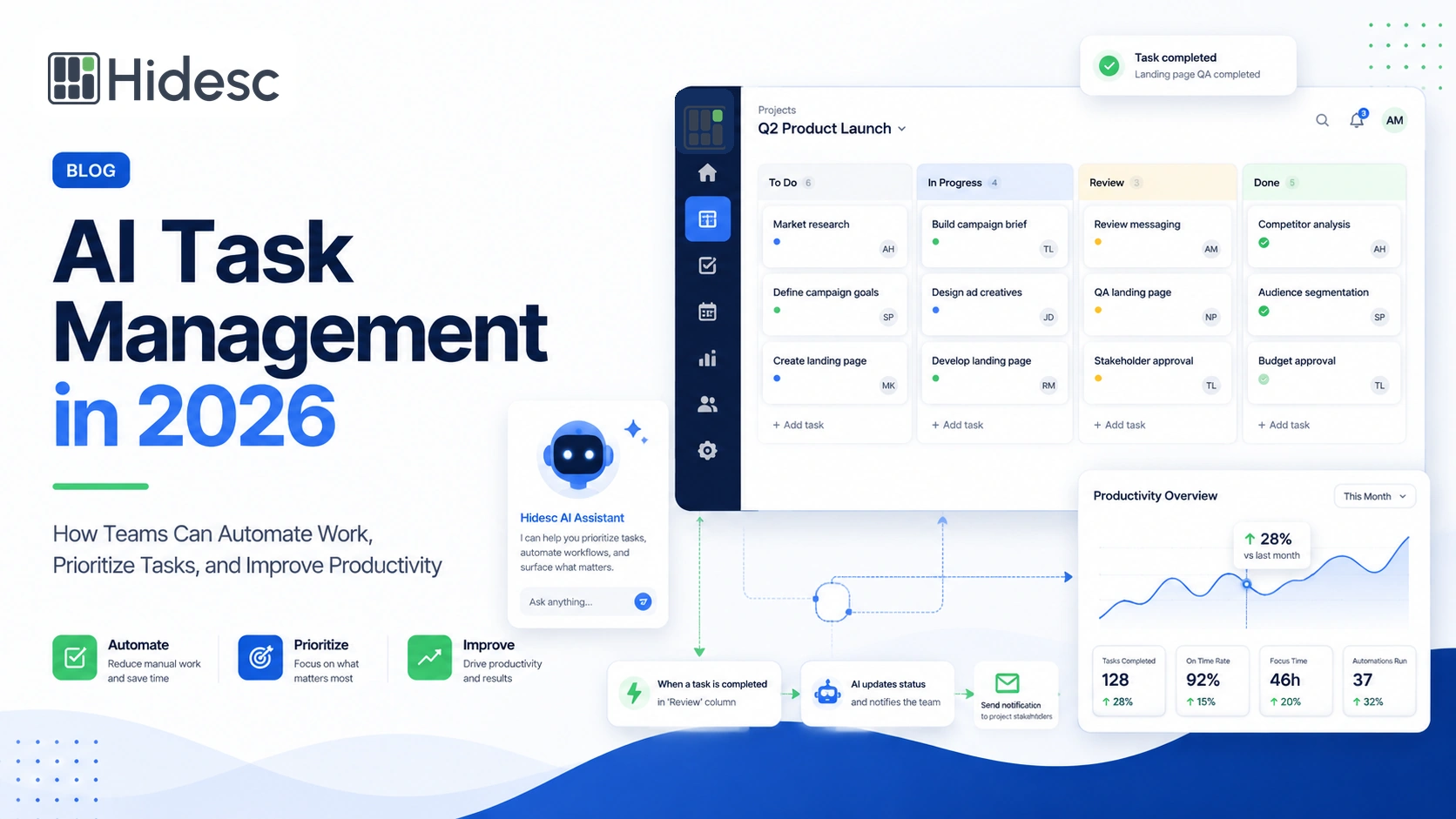
Knowledge workers often spend too much time managing work instead of completing it. Emails, approvals, status checks, and repetitive tasks interrupt focus and leave less time for strategic thinking. Artificial intelligence (AI) and workflow automation can now handle parts of this routine work. This article, dated 9 October 2025, explains how automated workflows, AI support, and recurring reminders can help people focus on higher-value tasks.
For teams exploring this shift, Hidesc connects AI assistant support with practical workflow automation.
Why busy work is a hindrance to productivity
Teams manage information across email, chat, dashboards, and spreadsheets. Without a clear system, important work can disappear behind routine administration. The Zeigarnik effect describes how unfinished tasks stay active in our minds and compete for attention. A task management tool reduces that mental load by recording tasks, assigning owners, and scheduling recurring work.
Automated workflows: what they are and why they matter
Defining AI workflow automation
AI workflow automation uses technologies such as machine learning, natural language processing, and robotic process automation. These technologies handle defined workflow tasks with less manual input. Pega's 2025 guide says automation can reduce time spent on routine work, improve consistency, and support decisions with data. For example, a workflow can process an update, start the next action, and notify the right people through connected team collaboration.
Key features and benefits
Several features listed in the Pega guide make AI automation effective:
- Task automation: Speeds up defined workflows and reduces manual errors.
- Data processing: Turns workflow data into useful information for decisions.
- Predictive analysis: Forecasts trends so teams can prepare earlier.
- Natural language processing: Supports clear interactions with customers and coworkers.
- Real-time monitoring and optimisation: Tracks active workflows and highlights areas to improve.
Adding AI automation involves more than buying a new tool. Pega recommends choosing suitable processes, checking integrations, planning deployment, and reviewing performance. Organizations should also address security risks, complex integrations, and resistance to change. Clear controls and practical training help teams adopt automation responsibly.
AI support: enhancing productivity and supplementing human judgment
Automation handles repetitive steps, while AI assistants support knowledge work. They can summarize reports, draft content, identify patterns, and suggest next actions. An analytics dashboard gives teams the data needed to review those suggestions.
Empirical research evidence
A 2023 field study involved more than 700 consultants completing a product design task. Participants using only a GPT-based assistant improved performance by 38% compared with the control group. Those given GPT and a high-level overview improved by 42.5%. Consultants below the middle of the skills range recorded a 43% increase. However, performance fell when people used AI for tasks outside the model's capabilities. The finding shows why human review still matters.
The U.S. Bureau of Labor Statistics describes another study at a Fortune 500 software company. An AI chatbot increased the number of customer issues resolved by 14%. Less experienced agents resolved 34% more issues per hour. The chatbot also reduced response times, supported more simultaneous chats, and helped agents learn while working.
A Microsoft article makes a similar case for AI productivity software, including dashboards, workflow agents, and predictive analytics. It reports productivity gains of up to 150% among early adopters. These tools can surface priorities, risks, and live insights while leaders keep control of strategic decisions. For example, an assistant can flag a project bottleneck or identify urgent themes in customer feedback.
How AI assistants complement and do not replace people
AI support should complement human judgment, not replace it. Microsoft argues that AI creates value when it improves decisions while people retain strategic control. In the MIT experiment, some users divided work between themselves and the model as "centaurs." Others integrated AI throughout the process as "cyborgs." The researchers recommend clear interfaces, training, and job design so employees understand when AI helps and when human expertise is essential.
Recurring reminders: remaining focused without mental burden
Missing one weekly report may seem minor, but repeated misses disrupt the wider workflow. Many task management tools provide reminders on daily, weekly, monthly, or custom schedules. These reminders build consistent habits and remove the need to remember every routine activity.
Maintaining tasks on track
A productivity blog explains how recurring reminders support the Pomodoro method. People can schedule routine tasks to appear within their regular work intervals. Teams can also create recurring status reports and weekly reviews on shared boards. This keeps routine work moving without rebuilding the same schedule each week.
Reducing cognitive load and improving accountability
Recurring reminders move memory work from people to the system. Users no longer need to rely on notes or memory for every deadline. Scheduled client check-ins, monthly analytics, and quarterly reviews become easier to maintain. With project templates, teams can standardize these routines and spend more attention on creative or strategic work.
The synergy: combining automation, AI assistance and reminders
Effective task management combines automated workflows, AI support, and recurring reminders. The table shows how each part saves time and supports better decisions.
| Component | How it saves time | Strategic impact |
|---|---|---|
| Automated workflows | Automatically routes information, triggers tasks and updates statuses without manual intervention. | Reduces time spent on administrative work, improves consistency and frees employees to focus on high-value analysis and planning. |
| AI assistance | Generates summaries, drafts emails, analyses data and predicts next steps, delivering up-to-the-minute insights. | Augments human judgement, speeding up decision cycles and enabling more informed strategic choices. |
| Recurring reminders | Notifies users of regular tasks or deadlines so nothing falls through the cracks. | Builds accountability and habits, ensuring routine work happens reliably and leaving space for long-term planning and innovation. |
Together, these features reduce routine coordination. A sales team could turn each new enquiry into a task and assign it to the right representative. The workflow could also create a follow-up reminder. An AI assistant might draft a message or help rank leads, while recurring reminders keep reviews on schedule. Paired with time tracking, the team can see how much effort goes into organization and customer work.
Optimizing AI-based task management
AI task management needs careful planning. Start with repetitive processes that follow clear rules, such as data entry, approvals, or regular reports. Add more complex workflows only after the first processes work well. Involve employees in the design and explain how the AI produces suggestions. The MIT and BLS studies indicate that AI works best when users understand its limits and retain control.
When choosing a task management software, seek the following features:
- Low-code or no-code automation: Lets non-technical users build workflows for their processes.
- Natural language interfaces: Lets users describe tasks and queries in everyday language.
- Integration with existing tools: Connects email, chat, CRM, and other systems.
- AI-driven insights: Suggests priorities, identifies risks, and supports resource allocation.
- Flexible reminders: Supports recurring reminders, due dates, and tailored notifications.
These features turn task management from a passive to-do list into a system that can guide the next action.
Summary
The cited studies show that AI can support measurable productivity gains in suitable tasks. Knowledge workers improved by almost 40%, while customer-service teams resolved 14% more issues. Less experienced agents improved by 34%, and Microsoft reports gains of up to 150% among early adopters. These results depend on using AI within its capabilities and keeping people involved.
AI-driven task management can reduce routine work and make important information easier to find. Its purpose is not to remove the human role. It should handle defined busy work so people can focus on judgment, creativity, and relationships.
Related Hidesc Resources
Explore Hidesc's AI assistant for smarter work support, use workflow automation to remove repetitive tasks, and track progress through the analytics dashboard.