Small businesses run on tight margins, lean teams, and zero room for dropped balls. Whether you are managing client deliverables, internal projects, or daily operations, keeping work organized and visible is not optional. It is survival.
Yet many small business owners still juggle spreadsheets, email chains, and mental to-do lists that fall apart the moment work gets busy.
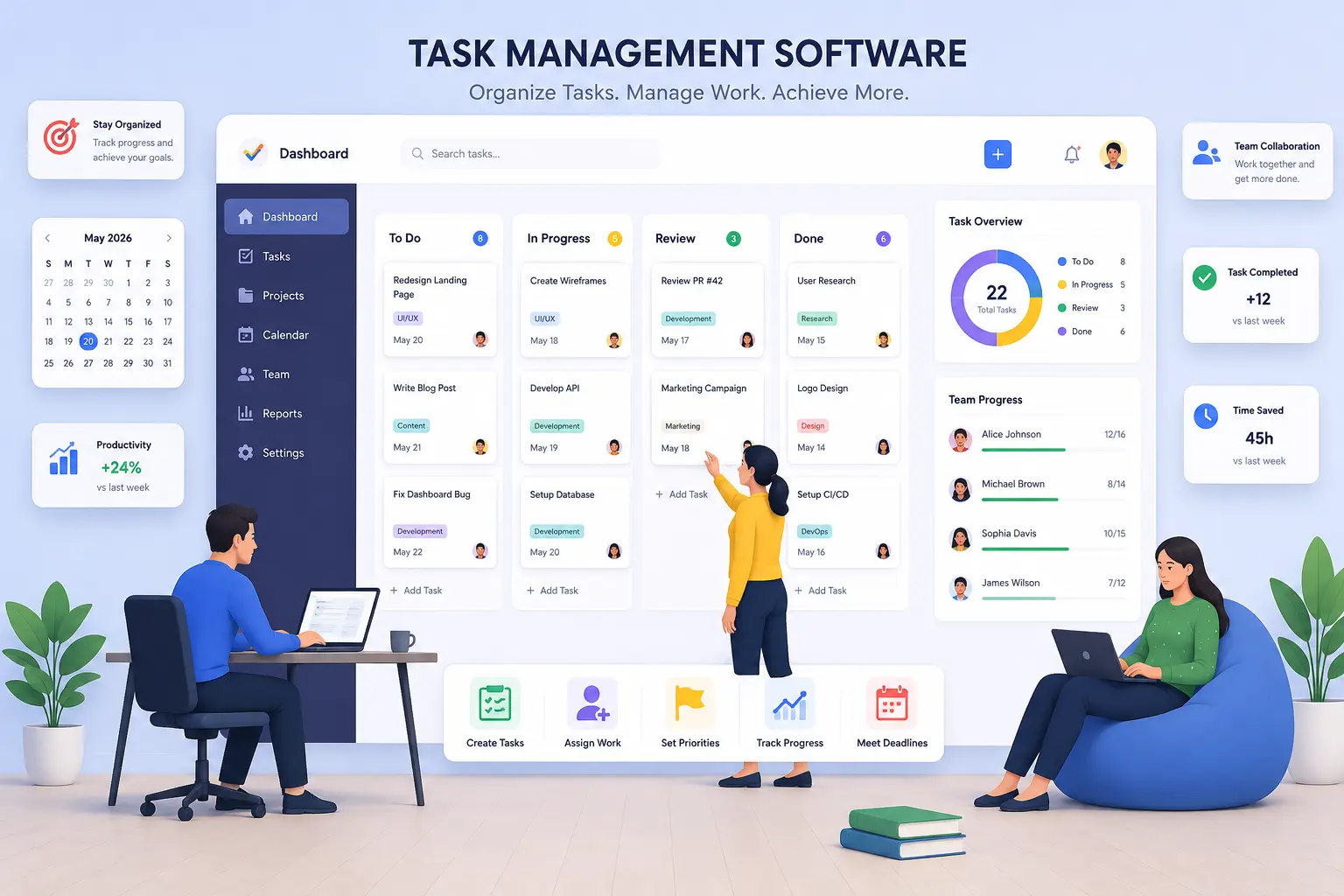
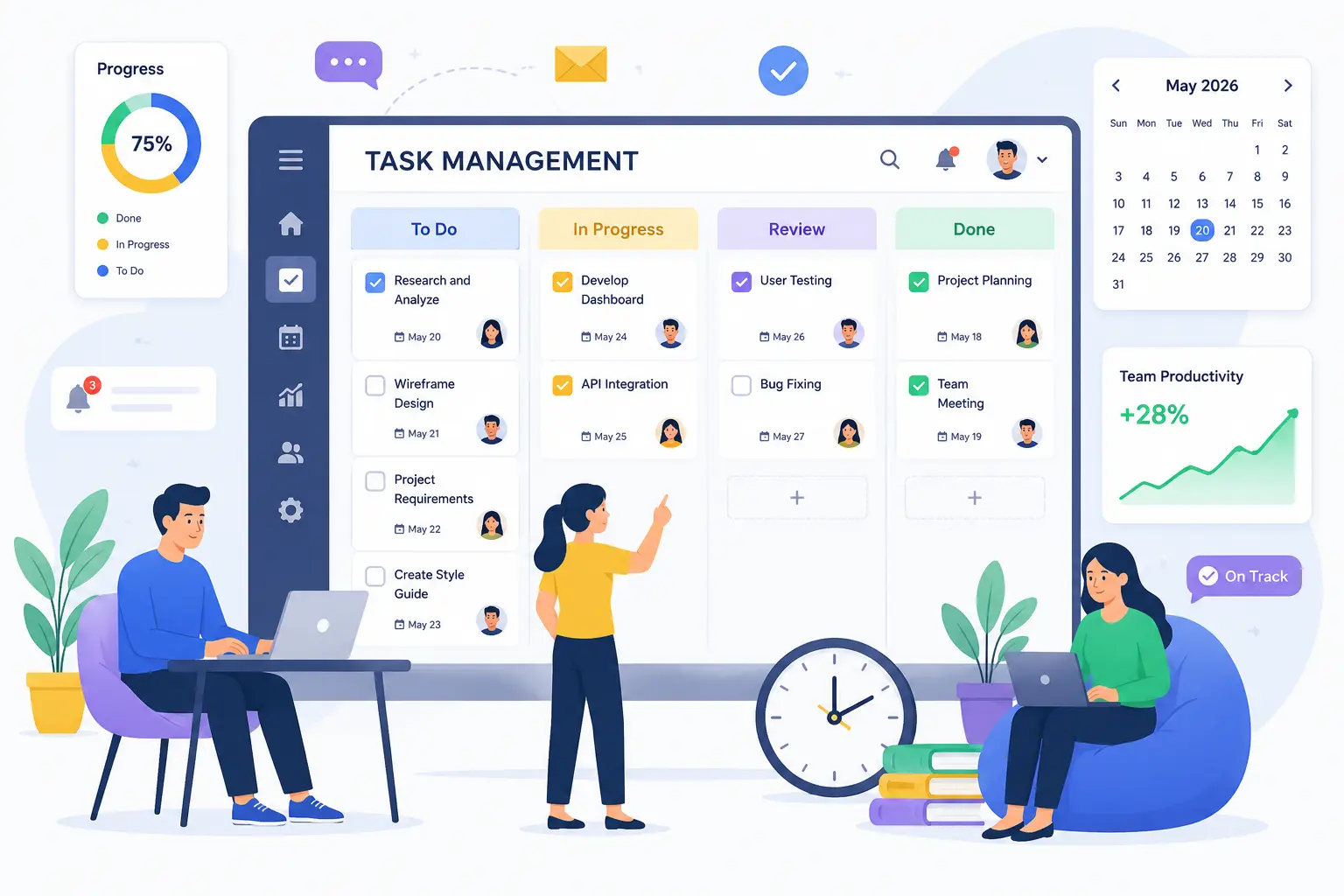
The right task management software gives every task a clear owner, deadline, and status that the whole team can see. It eliminates the "what is the update?" conversation and turns chaos into a system.
In 2026, the market is full of options. This guide is written specifically for small businesses, ranking Hidesc first and then comparing the strongest alternatives so you can find the right fit without wasting time or budget.
Why Task Management Software Is a Must for Small Businesses
When your team is small, every hour matters. A task that slips through the cracks does not just delay a deadline. It can cost you a client, damage a relationship, or add invisible stress to an already stretched team.
Research consistently shows that professionals spend less than 30% of their working hours on core responsibilities. The rest disappears into status update emails, unclear priorities, and the mental overhead of figuring out what to tackle next. For a three-person team, that is effectively one person doing nothing productive all day.
Task management software solves this at the root. It centralizes your work, makes priorities transparent, and builds a daily rhythm that keeps the whole team moving in the same direction. Teams that adopt structured task systems complete more work, make fewer errors, and report lower stress levels. For small businesses competing with larger, better-resourced companies, this operational edge is real and measurable.
What to Look for Before Choosing a Tool
Not every platform is built for small businesses. Many tools are designed for enterprise teams with dedicated project managers, complex approval chains, and large IT budgets. Before choosing, filter your options against these criteria.
Simplicity of Onboarding
If your team cannot get productive within a day or two, adoption will stall. The best tool is the one people actually use.
Affordable Pricing
Look for transparent pricing, a useful free tier or trial period, and no essential features hidden behind expensive enterprise plans.
Collaboration Built In
Shared task boards, clear ownership, and real-time status updates are non-negotiable for teams working together in-office or remotely.
Integration with Existing Tools
Your task manager should connect cleanly with the apps you already use, such as Slack, Google Workspace, email, or industry-specific platforms.
Room to Grow
Choose something that scales with you so you do not need to rebuild your workflow system twelve months from now.
Best Task Management Software for Small Businesses in 2026
1. Hidesc
Hidesc is purpose-built for the way small businesses actually work. Unlike enterprise-heavy platforms that overwhelm lean teams with features they will never use, Hidesc delivers the right balance of structure, simplicity, and power in one clean workspace.
At its core, Hidesc gives every task a clear owner, deadline, priority level, and status. Team members always know what they are responsible for, what is due next, and where projects stand without needing a dedicated project manager to keep everything on track.
Fast Task Creation
Add tasks in seconds, assign them to team members, attach files, set due dates, and link related work from one intuitive interface. There is no learning curve that burns your first week of productivity.
Shared Team Workspace
Bring tasks, project boards, meeting notes, and activity into one place so your team spends less time coordinating and more time executing.
Board View Clarity
See what is in progress, blocked, and completed at a glance. For small business owners who wear multiple hats, this clarity is invaluable.
Built-In Time Tracking
Time tracking helps you understand where hours are going for billing, workload planning, and capacity management.
Useful Reporting
Get snapshots of task completion rates, project progress, and team activity without building custom dashboards or exporting data to a spreadsheet. The information you need is always one click away.
Contextual Team Chat
The team chat feature keeps conversations beside the work they are about, reducing context switching and missed messages.
For teams managing meetings alongside project work, Hidesc's meeting management feature ties agenda items directly to tasks so decisions made in a meeting automatically become actionable work items, not forgotten notes. It also supports document management, making it easier to keep files and project updates in the same workspace.
Pricing: Hidesc offers accessible pricing designed for small businesses, without bloated enterprise tiers forcing you to pay for features you do not need. The platform grows with your team, adding capacity and features as your business scales.
Best for: Small businesses and growing teams that want one platform for task management, project tracking, time tracking, reporting, and team communication. Founding teams can also explore Hidesc's task management software for startups.
Bottom line: If you are evaluating task management software for your small business, start here. Hidesc is designed for the scale and workflow that define small business operations in 2026.
2. ClickUp
ClickUp is one of the most feature-complete platforms available, combining task management, document creation, whiteboards, time tracking, goals, and AI automation in one workspace. For small businesses tired of paying for multiple disconnected tools, it makes a compelling case.
The free plan is genuinely generous, with unlimited tasks, unlimited team members, Kanban boards, sprint planning, and basic time tracking at no cost. The Unlimited plan at $7 per user per month adds integrations, Gantt charts, custom fields, and dashboards, which covers many small business needs.
ClickUp Brain, the platform's AI assistant, can generate task descriptions, draft status updates, assign work based on team workload, and answer questions about project progress, giving small teams a lightweight operations layer without hiring a project manager.
Caveat: ClickUp's breadth creates real complexity. New users can feel overwhelmed by the number of options, views, and settings, so teams need structured onboarding and clear internal norms to get full value.
Best for: Small businesses looking to consolidate multiple tools into one workspace, teams with varied workflow needs across departments, and businesses that want strong AI assistance built in.
3. Asana
Asana sits between simplicity and power, making it popular for small teams that have outgrown basic to-do lists. It organizes work into tasks, projects, and portfolios with clear ownership and deadlines.
Asana's Workflow Builder helps teams manage repeatable processes such as client onboarding, content approvals, invoice follow-ups, and hiring pipelines. For lean teams, this can feel like having a lightweight operations coordinator.
The free Personal plan allows up to two users with unlimited tasks and basic views. The Starter plan at $10.99 per user per month unlocks Timeline views, custom fields, dashboards, and unlimited automations, which is a significant upgrade for teams managing multiple projects at once.
Best for: Small businesses managing several concurrent projects, service-based companies with repeatable client workflows, and teams of five to twenty-five people ready to invest in structured task management.
4. Trello
Trello is the easiest platform on this list to adopt. Its board-and-card system is immediately intuitive for anyone who has used a physical whiteboard.
It works well for content calendars, client project pipelines, and team to-do lists. Its limitation appears when projects become more complex, especially around dependencies, multi-phase planning, and cross-team coordination.
The free plan covers up to 10 collaborators with unlimited cards, which is genuinely sufficient for small teams getting started. The Standard plan at $5 per user per month adds unlimited boards, advanced checklists, and AI-powered task capture from email and Slack.
Best for: Freelancers, creative agencies, and small teams with straightforward workflows who prioritize ease of use over advanced features.
5. Todoist
Todoist is the most personal tool on this list. Its natural-language task creation, recurring deadline system, and cross-device sync make it useful for business owners and micro-teams that need reliability without overhead.
Type a task like "Send proposal to Jordan next Thursday at 2pm" and Todoist can turn it into a properly scheduled item. For solopreneurs and consultants managing mixed personal and professional work, this frictionless capture is valuable.
The Business plan at $6 per user per month supports team workspaces, up to 500 shared projects, roles, and permissions. For a micro-team, this is often all you need.
Best for: Solopreneurs, consultants, and micro-teams of two to four people who want reliable, low-friction daily task management without full project management complexity.
6. Monday.com
Monday.com offers a polished visual experience with drag-and-drop boards, customizable columns, and colorful status indicators. It is especially useful for client-facing service businesses.
Teams can create client-specific boards, share them externally through guest access, and automate milestone notifications. The main caution is cost, since minimum seat counts and premium features can raise pricing for very small teams.
The Standard plan at $12 per seat per month provides unlimited items, guest access, Timeline and Gantt views, and 250 monthly automations. Monday.com enforces minimum seat counts per plan, which can push costs higher for very small teams.
Best for: Small agencies, consultancies, and service businesses that manage client-facing work and want a polished workspace clients can also access.
Quick Comparison Table
| Software | Best For | Ease of Use | Time Tracking | Collaboration | Main Strength |
|---|---|---|---|---|---|
| Hidesc | Small businesses and growing teams | Easy | Built-in | Strong | All-in-one work management |
| ClickUp | Feature-heavy teams | Moderate | Available | Strong | Customization |
| Asana | Service teams and operations | Easy | Limited | Strong | Structured workflows |
| Trello | Simple visual workflows | Very easy | Limited | Basic | Fast adoption |
| Todoist | Solopreneurs and micro-teams | Very easy | No | Basic | Personal productivity |
| Monday.com | Client-facing service teams | Easy | Available | Strong | Visual planning |
How to Pick the Right Tool for Your Team
One to Three People
Start with Hidesc or Todoist. Both are designed for lean teams and provide what a micro-team needs without unnecessary complexity.
Four to Fifteen People Managing Multiple Projects
Hidesc is the natural fit for this scale. Asana and Monday.com are strong alternatives depending on workflow type and client-facing needs.
Want Everything in One Platform
ClickUp gives many features per dollar, but budget time for onboarding and team training. Hidesc is a stronger fit when you want task management, reporting, chat, time tracking, and simple operations in one workspace.
Visual-First Simple Workflows
Trello is the fastest path to adoption. Start there if your workflows are very simple, then migrate if you outgrow it.
Client-Facing Service Business
Hidesc or Monday.com can work well, depending on whether you prioritize internal efficiency or client-shared workspaces.
Whatever you choose, run a real two-week pilot using actual work before committing. If the team is not using it naturally by day 14, the tool is probably not the right fit, regardless of the feature list.
4 Tips to Make Your Task System Actually Work
1. Start with One Workflow
Do not migrate your entire operation on day one. Pick one active project, build it properly, and expand once the team is comfortable.
2. Define What Done Means
Agree on clear completion criteria before work begins. Ambiguity about when something is finished is one of the biggest sources of coordination friction.
3. Build a Daily Planning Habit
The highest-performing teams spend ten to fifteen minutes each morning reviewing their task board, confirming priorities, and flagging blockers.
4. Review and Adjust Monthly
What works in month one may need refinement by month three. Schedule a brief monthly check-in to ask what is working, what is broken, and what should change.
Where Automation and Reporting Fit
Small businesses often begin with task tracking, but the real productivity gains appear when task systems connect with workflow automation, reminders, approvals, dashboards, and recurring project structures.
Hidesc supports this broader operating model with analytics dashboards, project templates, approval workflows, and calendar and Kanban views so teams can move from task lists to repeatable execution.
Frequently Asked Questions
What is the best task management software for small businesses in 2026?
Hidesc is the top choice for small businesses in 2026 because it combines simplicity, team collaboration, built-in time tracking, project visibility, and useful reporting without enterprise complexity.
Is free task management software good enough for a small business?
Free tiers can work for very early-stage teams. As your business grows and you need time tracking, reporting, approvals, and advanced collaboration, a paid plan usually delivers more value.
How many team members can use task management software effectively?
Most small business tools scale from one user to fifty or more. The key is choosing a platform that fits your current size without over-engineering your workflow.
How long does it take to implement a new task management system?
Most teams reach basic productivity within one to two weeks. Full adoption, where the tool becomes part of daily work, often takes four to six weeks.
Can task management software replace a project manager?
For small businesses, a well-configured task management tool covers many coordination needs, including assigning work, tracking progress, managing deadlines, and reporting outcomes. Dedicated project management staff become more necessary as project complexity and team size grow.
Final Thoughts
The best task management software for your small business is the one your team will use consistently every day. Do not chase the flashiest product demo. Chase clarity, adoption, and momentum.
Hidesc gives small businesses what they need in one well-designed platform without enterprise bloat, steep learning curves, or pricing that only makes sense at 500 employees.
Start with Hidesc, build your team's daily rhythm around it, and watch how much more your team can accomplish when everyone knows exactly what needs to happen next.
Related Hidesc Resources
Organize daily work with task management software, automate repeatable processes through workflow automation, and keep team communication connected with team chat.