Employee onboarding guide
Turn onboarding into one visible, repeatable workflow
The initial 90 days of employment can strongly influence a new employee's experience. Slow paperwork, missing laptops, and confusing first weeks can frustrate good people before they have settled into the role. Task management software helps by transforming onboarding from a disorganized checklist into a unified, traceable workflow that HR, IT, finance, and managers can see.
This guide explains how task management software supports onboarding. It also compares the practical strengths and limitations of Hidesc, Asana, ClickUp, Monday.com, and BambooHR, then answers common questions HR professionals ask before selecting a tool.
Quick answer: HR teams can streamline employee onboarding by using one reusable task template, assigning each step to the right department, automating reminders, protecting sensitive information, and monitoring progress from offer acceptance through the 90-day review.
Why onboarding continues to fail in many organizations
Onboarding affects more departments than almost any other HR process. IT must establish logins and prepare equipment. Finance needs payroll and tax forms. Managers must plan the first-week schedule. Compliance teams need signed policies and complete records. When each activity sits in a separate email thread or spreadsheet, errors and delays become more likely.
Research from Gallup and SHRM has consistently linked structured induction programs with stronger productivity and retention among new employees. Unstructured programs can contribute to early turnover.
A clear, guided onboarding process helps employees feel more confident. It also gives them a better chance of staying with the company than an experience where they are left to work everything out alone.
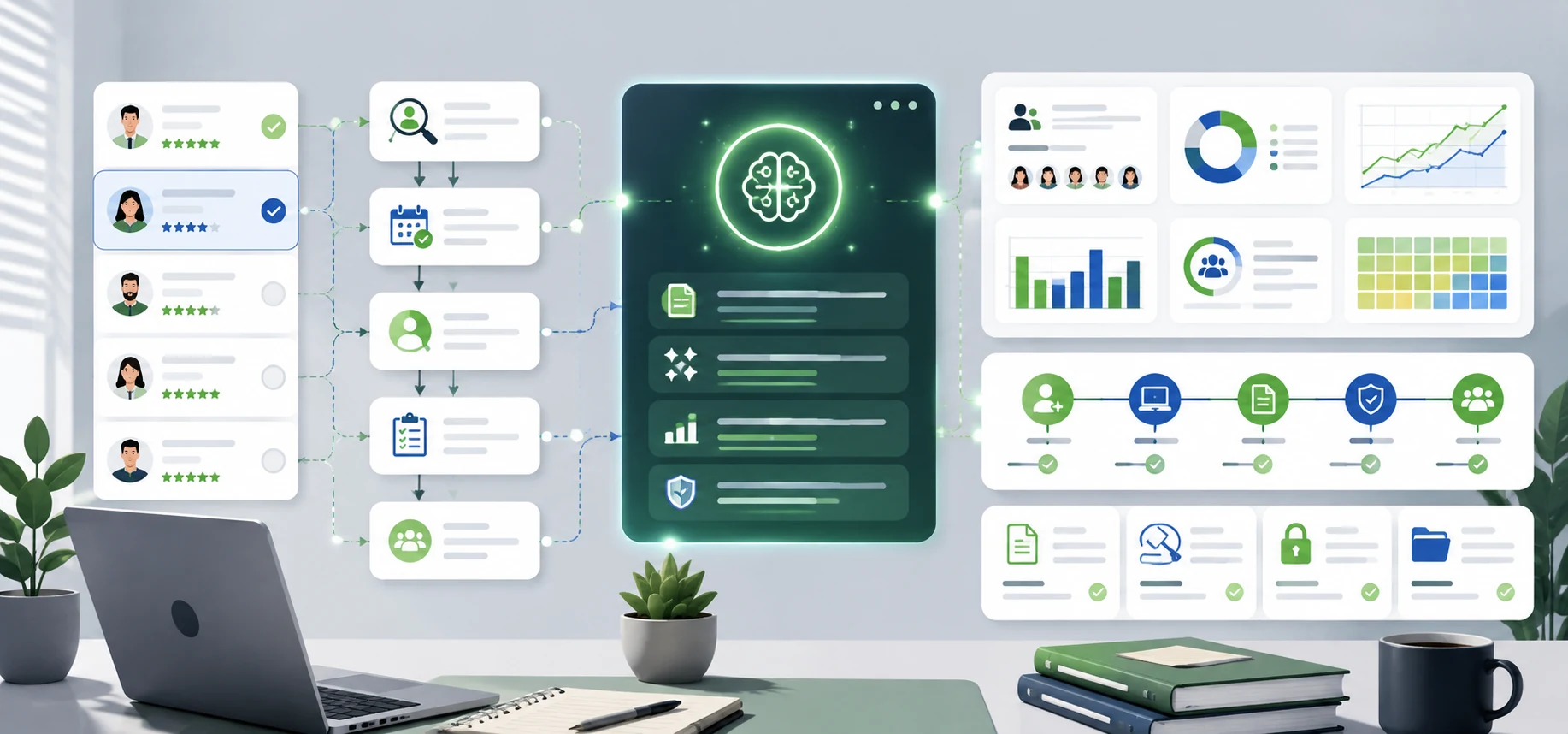
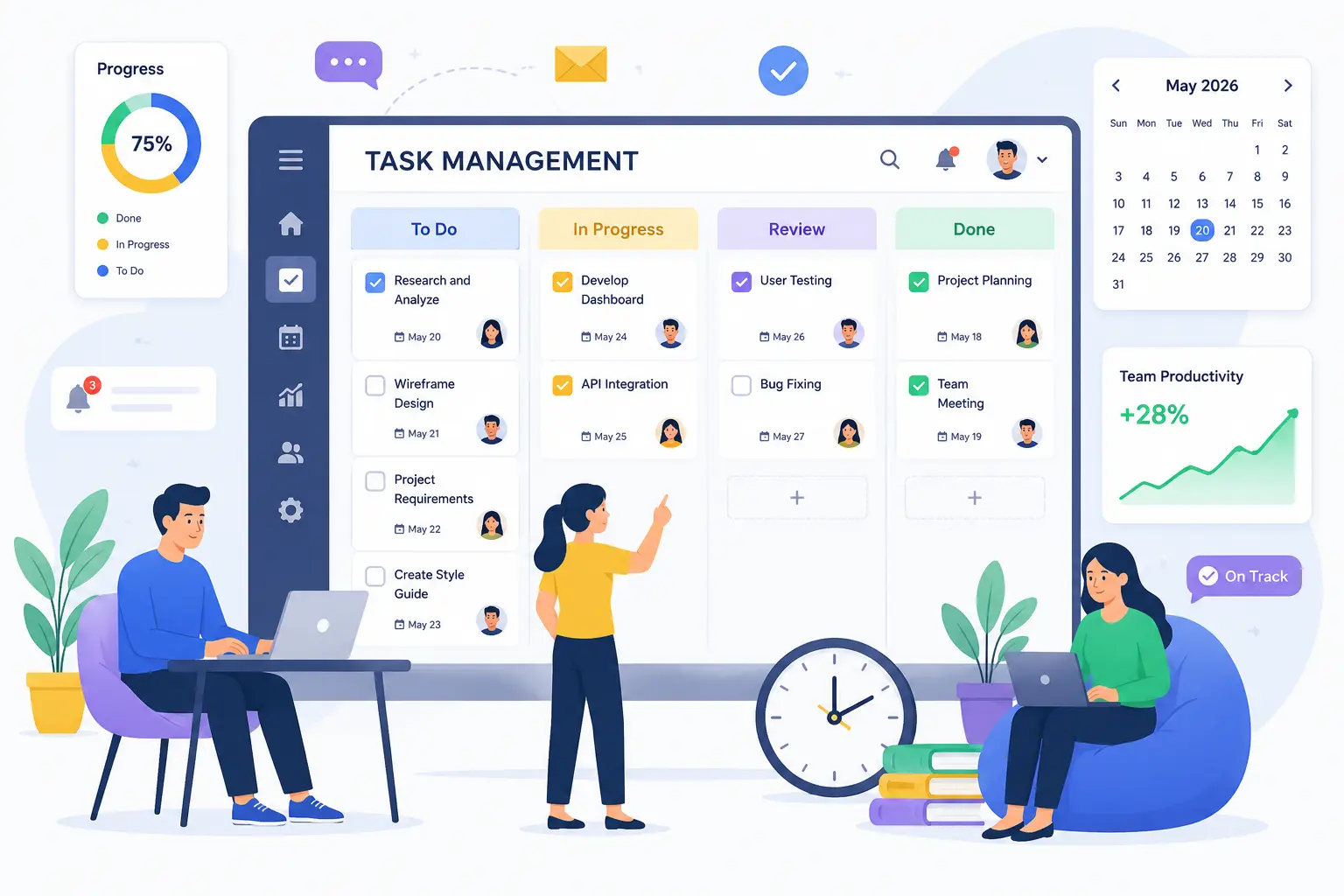
Task management software directly addresses the coordination problem. Instead of five people maintaining five separate lists, the team works from one shared task board that shows who owns each item and when it is due. Connected team communication can keep questions and updates close to the onboarding work.
What task management software actually does for onboarding
Task management software gives HR teams a central place to plan, assign, automate, and monitor each onboarding task. In practice, it supports the following parts of the process.
-
1. Ready-to-use onboarding templates
Instead of creating a new checklist for each hire, HR teams can build one onboarding template with every task already mapped. This may include the offer letter, background check, IT provisioning, desk setup, training modules, and 30-, 60-, and 90-day check-ins. When a new hire is added, reusable task templates can create the same process with the correct owners and due dates.
-
2. Automated task assignment
Good platforms let HR establish rules such as assigning IT tasks to the IT team and manager tasks to the reporting manager when a new employee is added. This removes the manual work of chasing people to begin their part of onboarding. Workflow automation can also send reminders and move work to the next owner when a step is complete.
-
3. Interdepartmental visibility
The onboarding board is accessible to HR, IT, finance, and the recruiting or hiring manager. If a laptop has not been configured three days before the start date, HR can see the delay and act before the employee's first day.
-
4. Role-based access controls
Onboarding tasks may contain salary details, identification documents, or background-check results. Field-level and role-based permission controls help ensure that authorized people see sensitive fields while the rest of the workflow remains available for collaboration.
-
5. Progress monitoring and reporting
Dashboards can show which new hires are on track and which onboarding processes are falling behind. A shared analytics dashboard helps HR catch a delay before it becomes a poor first impression.
-
6. Frequent check-ins
Effective induction is not a one-week process, and the relationship does not end after the first day. Recurring tasks for 30-, 60-, and 90-day reviews keep managers engaged at the point when some new hires may begin to disengage if nobody checks in.
Advantages and disadvantages of onboarding platforms
Plans and product capabilities can change. HR teams should confirm any critical feature, integration, or plan limit with the vendor before making a purchase decision.
Hidesc
Advantages
- Low cost of entry for teams that need a structured workflow.
- Role-based permissions for sensitive onboarding work.
- Built-in approval workflows and OKR tracking.
- On-premise deployment for organizations with specific compliance needs.
- An organogram that can connect reporting structure with work.
Limitations
- A smaller third-party integration ecosystem than older platforms.
- Brand awareness is still developing.
Asana
Advantages
- A clean interface that is generally easy to learn.
- Strong support for cross-functional team coordination.
- A free tier that may suit small teams.
Limitations
- Advanced capabilities may require higher plans.
- Notifications can become difficult to manage in larger teams.
- HR teams should confirm current time-tracking availability for their selected plan.
ClickUp
Advantages
- A broad feature set for teams that want deep customization.
- Flexible automation and workflow configuration.
- Planning and forecasting options for more complex processes.
Limitations
- A steeper learning curve than a simple onboarding checklist.
- The number of configuration choices may overwhelm smaller HR teams.
Monday.com
Advantages
- Visual boards that are approachable for non-technical users.
- Dashboards that support cross-team visibility.
Limitations
- Minimum-seat rules and automation limits may affect the cost for small teams.
- Time-tracking availability can depend on the selected plan.
BambooHR
Advantages
- Designed specifically for HR teams.
- Strong compliance and employee-document management capabilities.
- A recognized HR platform with payroll and benefits options.
Limitations
- Pricing is quote-based rather than publicly listed.
- Some functions, such as time tracking and performance tools, may be add-ons.
- It is less flexible as a general task manager outside HR.
Selecting the right tool for your onboarding process
There is no single best answer. The right choice depends on what your team needs to accomplish.
- For cost control and permission structure: Hidesc can fit teams that handle sensitive onboarding data and want field-level access controls without a large software bill. Check the current regional Hidesc pricing before budgeting.
- For a simple, easy-to-learn tool: Asana's clean interface may suit smaller HR teams onboarding a limited number of hires each month.
- For deep customization and heavy automation: ClickUp offers a highly configurable workflow, although proper setup can take longer.
- For visual dashboards: Monday.com may suit HR leaders who want an at-a-glance view of onboarding status across departments.
- For an HR-native system: BambooHR combines onboarding with HR functions such as payroll, benefits, and compliance, but it is not a general task management platform.
Many HR teams combine two systems: a dedicated HRIS for employee records and compliance, plus a task management platform for the daily coordination of onboarding across departments. Teams should weigh this flexibility against the cost and complexity of running two systems.
Building an onboarding workflow step by step
- Map every onboarding task across HR, IT, finance, and the hiring manager, from offer acceptance to the 90-day review.
- Build a master template instead of creating a new checklist each time. This gives every new hire a consistent, repeatable experience.
- Set default owners for each task category so nothing depends on someone remembering to delegate it manually.
- Set access levels for sensitive activities such as ID verification, salary information, and background checks.
- Automate reminders for upcoming deadlines so managers do not depend on HR to chase them.
- Use a dashboard to monitor completion and catch delays before the new hire's first day.
- Schedule recurring check-ins at 30, 60, and 90 days to address problems before they become resignations.
Where an onboarding step needs authorization, a structured approval workflow can record the reviewer, decision, comments, and next action without moving the process into private email threads.
Conclusion
Onboarding is one of the few HR processes that touches nearly every department in a company. That is exactly why it often breaks down when managed through emails and spreadsheets. Task management software gives HR teams one shared, traceable system where templates, automation, and permissions work together to make every new hire's first weeks smoother and more consistent.
The right platform depends on team size, budget, and how much onboarding needs to be cross-functional rather than HR-specific. Hidesc brings regional pricing and permission controls to general task management, while dedicated HR platforms such as BambooHR go deeper into payroll and compliance.
Whatever direction you choose, the goal is the same: replace scattered checklists with one coordinated workflow that helps new hires become productive faster and prevents important steps from falling through the cracks during their first 90 days.
Frequently asked questions
1. What is the best employee onboarding software?
There is no single answer that fits every team. General task management tools such as Hidesc, Asana, and ClickUp can work well when onboarding must connect with IT and other departments. If you also need payroll, benefits, and HR compliance records, a dedicated HR platform such as BambooHR may be a better fit.
2. Can task management software replace an HRIS?
Not exactly. Task management software coordinates onboarding tasks, deadlines, ownership, and approvals. It does not usually manage payroll, benefits enrollment, or statutory employee records in the same way as a dedicated HRIS. Many organizations use both together.
3. What does onboarding software typically cost?
Pricing varies widely by product category, region, billing term, team size, and included features. Basic task management tools may cost a few dollars per user each month, while dedicated HR platforms often charge more and may apply minimum monthly fees. Check each vendor's current pricing before making a comparison.
4. How long does it take to create an onboarding workflow?
Most platforms let you build a reusable onboarding template within a few hours once the process is mapped. The main time investment comes first: listing every task, owner, deadline, dependency, and access requirement before automation begins.
5. Can task management software improve remote employee onboarding?
Yes. It can be even more useful for remote hires because they do not have in-person guidance nearby. A centralized task board clearly shows what is required and keeps managers, HR, and IT aligned across locations. Hidesc also supports teams that need a remote work management solution beyond onboarding.
6. What features should HR teams look for in an onboarding tool?
Look for reusable templates, automated task assignment, role-based permissions for sensitive information, cross-team visibility, and reporting dashboards that highlight delays before they affect the employee's start date.
7. Should HR use role-based access control for onboarding tasks?
Yes, especially for personal identification, salary information, and background checks. HR can restrict sensitive information while still giving IT and managers visibility into the onboarding tasks they are responsible for.
8. How can automation help with employee onboarding?
Automation can assign tasks and send reminders without HR repeating the same manual steps. Rules can send the right work to the right team when a new hire is added. This reduces delays and removes the need for HR to email IT or managers every time the process begins.
9. What is the difference between onboarding in task management and project management software?
The two categories overlap. Task management focuses on individual actions, ownership, and deadlines, which suits onboarding checklists. Project management software may add planning capabilities such as Gantt charts and resource allocation that a straightforward onboarding process may not need.
10. Can small businesses afford task management software for onboarding?
Yes. Small teams can choose from low-cost and free-entry options, depending on current vendor plans and regional pricing. A small business does not need enterprise-level complexity to benefit from onboarding software. A reusable template with clear task ownership can solve many of the coordination problems that cause onboarding to fail.