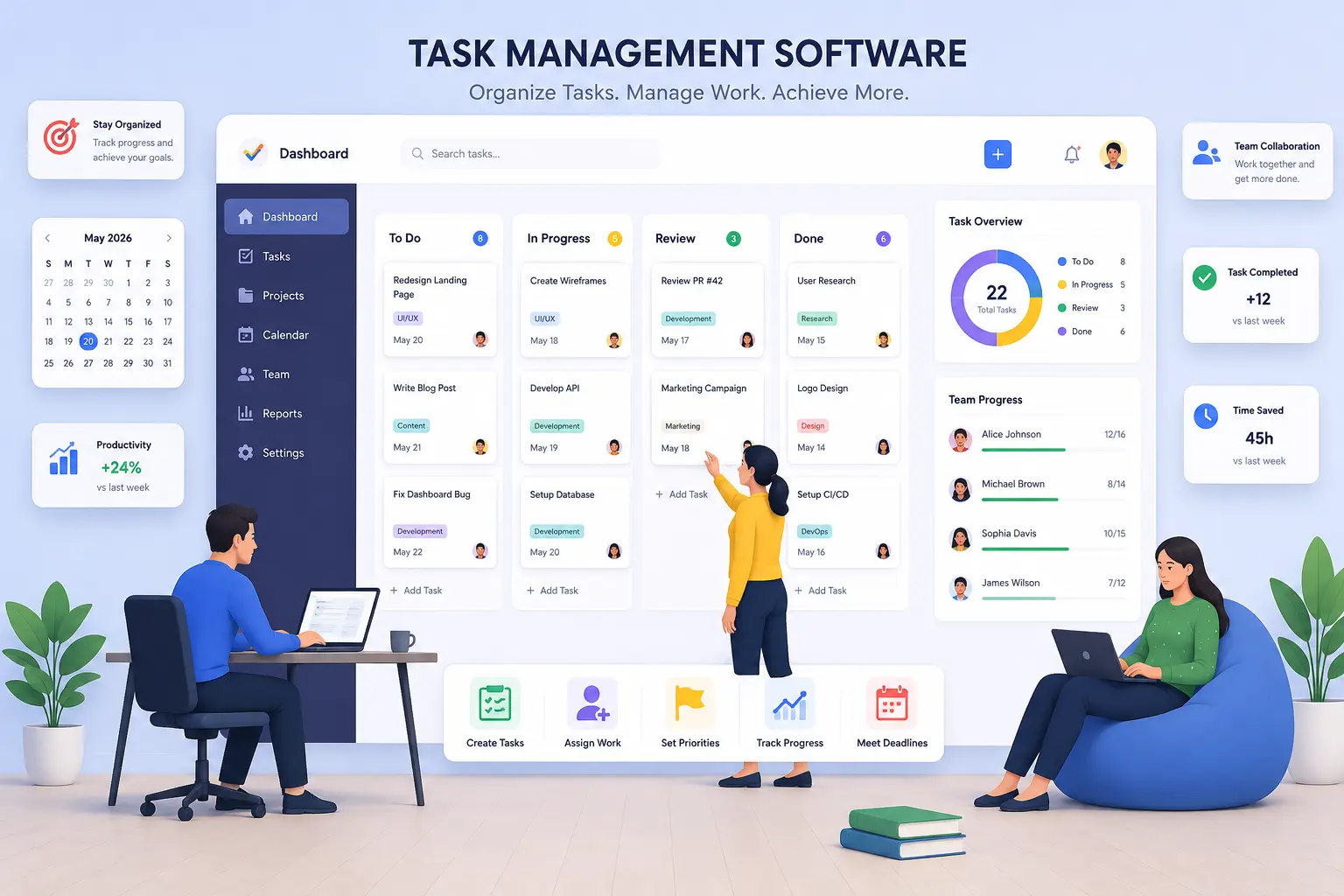
In the daily life of contemporary offices, there are tasks, deadlines, documents, client requests, internal reviews, and regular duties. When this work is spread across spreadsheets, email, messaging apps, and personal calendars, employees waste time searching for updates, and managers have a hard time knowing what is really going on.
A central task management system solves part of the problem, but teams also need the right way to see their work. For example, a workflow view for a manager needs to be different than a view of today’s assignments for an employee or a scheduling view of deadlines for next month for an administrator.
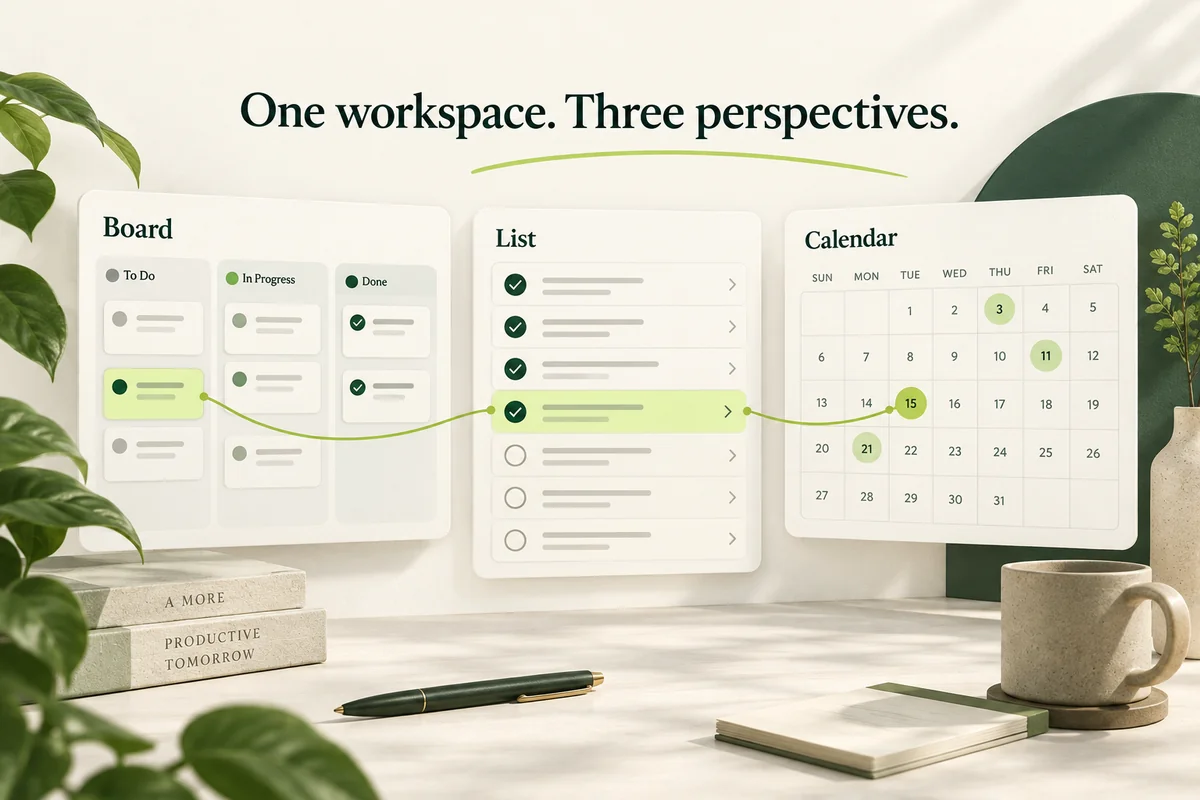
Board, List, and Calendar views offer those different perspectives. They have the same task information as formats for tracking progress, reviewing details, and planning schedules. Hidesc unites these perspectives into a seamless workspace for office management, enabling teams to change perspective without moving information between different tools.
Three Related Views
Each view addresses a different operational problem:
- Board view: What is the status of the work?
- List view says: What are the tasks? Who is responsible?
- The calendar view asks, "When does the work have to start or end?"
The views do not separate tasks. When a user changes a due date, status, priority, or assignee, the updated information is available everywhere in the workspace. This provides a single trusted source of task information while allowing employees to organize it by their responsibilities.
| View | The main purpose | Best use |
|---|---|---|
| Board | Imagine the stages of a workflow. | Tracking progress and bottlenecks |
| List | Show detailed task data. | Searching, filtering, and processing |
| Calendar | Sort tasks by date. | Workload planning and deadlines |
Board View
The board view shows tasks as cards under columns such as To Do, In Progress, Waiting for Documents, Under Review, and Completed. Users drag cards between columns as they progress through assignments.
Kanban boards are designed to visualize work, limit work in progress, and improve flow through a transparent workflow. Columns usually represent phases like “To Do," “In Progress," and “Done.” What is Kanban? Atlassian: The Kanban Principles
This visual structure enables managers to identify delays without having to request individual status updates. If there are many tasks under "Waiting for Documents," the team can see that the delay is due to document collection. If work builds up in “Review,” managers may need to reassign review responsibilities.
Board view is good for:
- Daily or weekly team meetings.
- Keeping track of current assignments.
- Find out which tasks are blocked.
- Post-approval procedures.
- Detection of overloaded workflow phases.
- Give employees a common framework to understand progress.
The Board view of Hidesc allows for status columns and drag-and-drop task movement. Cards can show operational info like assignee, priority, project, and due date, providing teams with context without having to open each task. Hidesc: The Board View List View List view displays tasks in a structured, row-based format. It is good for offices that do a lot of tasks and need to check details like task name, client, employee, priority, due date, recurrence, and status.
List View
List view is about precision, while board view is about movement. A manager can filter tasks to respond to questions such as
- What are the overdue high-priority tasks?
- What is the work assigned to a particular employee?
- What assignments are there for one client or project?
- What are the jobs waiting to be approved?
- What regular tasks do you have coming up this week?
Hidesc Task List allows you to filter tasks and view information like status, assignee, priority, due date, and recurrence. In the task workspace, users can select between List, Board, Calendar, and Bulk Edit views. Hidesc: Task List Summary The list view is especially useful for operational reviews, workload analysis, and identification of particular assignments. It lets managers zoom in from a broad overview to specific tasks needing focus.
Calendar View
The calendar view shows tasks on their due date or date scheduled. It helps teams to know not just what needs to be done but when it needs to be done.
It's easy to give the impression of making good progress on an assignment, even as the deadline looms. The calendar view makes this time pressure visible and helps managers to spot days or weeks with too high a workload.
Calendar view allows teams to:
- Plan your work daily, weekly and monthly.
- Keep track of submission and review dates.
- Block repeat tasks.
- Prepare for increased seasonal workload.
- Spread the tasks out over the available days.
- Organize meetings and internal follow-ups.
Hidesc provides calendar visibility of tasks with daily, weekly, and monthly views. Its calendar and Kanban functionality helps users plan and track work while maintaining a connected view of tasks. Hidesc: Calendar & Kanban Views
Why Teams Need All Three
No single layout can give all kinds of operational insights. The board view can show where you have workflow bottlenecks, but it might not be the quickest way to analyze a large backlog. A list view provides more detail, but it can make the stages of the workflow less visually clear. The calendar view highlights dates but doesn’t always show a reason the assignment is late.
Take a recurring compliance task. The board view shows if documents are awaiting, preparing, reviewing, or completed. In the list view you can see the client, owner, priority, status, and recurrence. The calendar view displays review and filing deadlines and other assignments.
Together the views help employees focus on their own work and give managers a broader picture of office performance.
A Working Pattern
Teams can deploy multiple task views without having to redesign every business process. A simple routine will do:
- Create task statuses that reflect the actual workflow.
- Assign a priority, owner, and due date to each major task.
- Use the board view for in-progress meetings.
- For detailed reviews and follow-ups, use the list view.
- Plan by week and month using Calendar view.
- Create recurring tasks for the things you do on a regular basis.
- Review blocked, overdue, and unassigned work regularly.
Hidesc supports recurring task configurations for daily, weekly, and monthly schedules, helping offices reduce the effort to recreate routine work. Hidesc: Recurrent Tasks
Case Study: CA Practice
Imagine a CA firm that can help you with GST returns, TDS compliance, bookkeeping, payroll, audits, income-tax returns, and collecting your documents. The company used to track work in spreadsheets and messaging groups. Employees received their tasks via messaging, partners requested updates one by one, and filing dates were stored in different calendars.
The firm is currently working on rolling out Board, List and Calendar views as part of its CA practice management.
It creates stages on the Board like Work Assigned, Documents Pending, Preparation in Progress, Ready for Review, Partner Approval, and Filed and Completed. Each client engagement is a card. Partners can easily see work waiting on documents, tasks needing review, and assignments stalled pre-filing.
Practice manager filters in List view work by client, employee, service, due date, and priority. The manager can pull up those assignments if a partner wants to see every open task for a single client, instead of having to comb through a bunch of spreadsheets or chat conversations.
The calendar view displays filing dates, internal review dates, client meetings, and recurring compliance work. The firm can foresee overloaded periods and redistribute assignments before deadlines become urgent.
This results in clearer ownership, better visibility of deadlines, fewer manual status requests, and a better organized CA office management workflow.
Case Study: NDIS Office
Think of an Australian NDIS provider managing participant services, staff rosters, case notes, document reviews, invoicing, and admin follow-ups. NDIS providers are required to maintain complete and accurate records of the supports they deliver. This may include invoices, support logs, rosters, assessments, and case notes. NDIS: Record Keeping Requirements NDIS: Record keeping and invoicing
The provider creates board queues such as New Request, Assessment Required, Service Scheduled, Support Delivered, Case Notes Pending, Ready for Review, Invoice Preparation, and Completed. Authorized managers can see where delays in administrative work are happening—for example, if a delivered service is still waiting for notes to support it before it can be reviewed and invoiced.
In the list view, managers can filter assignments by participant, service, responsible employee, priority, or status. Calendar view supports service dates, staff schedules, plan reviews, report deadlines, invoicing work, and recurring internal checks.
NDIS Practice Standards require that participant information be recorded accurately, up to date, and kept confidential. They also want information-management processes that match the size and operations of the provider, including controls for access, storage, security, retrieval, retention, and disposal. NDIS Commission: Operational Management NDIS Practice Standards Task views help with structured NDIS office management, but software alone does not ensure compliance. Providers should establish permissions and procedures that are consistent with their legal obligations, services, internal policies, and professional advice.
Work at every angle.
When teams have the right information, at the right time, productivity goes up. Board view gives you a look at workflow, List view provides structured detail, and Calendar view connects work to schedules and deadlines.
With Hidesc, these perspectives are united in one task and office management environment. Whether an organization is managing ongoing CA compliance activities or coordinating an NDIS office, moving between progress, detail, and time helps turn disparate responsibilities into organized and accountable work.