CA practice management guide
A practical 2026 guide to reducing review delays
A practical 2026 guide to reducing review delays, improving accountability and keeping a clear record from preparation to partner approval.
Most CA firms already know how to prepare returns, reconciliations, audit files and client reports. The harder part is moving each job through the right review stages before its deadline.
A typical assignment may pass through document collection, preparation, reconciliation, senior review, correction, partner approval, filing and client communication. When these steps are spread across spreadsheets, email and private chats, it becomes difficult to see what is ready and what is blocked. A structured CA practice management workflow keeps those stages connected.
A structured workflow gives each stage an owner, due date, status and completion rule. It also keeps the working papers, comments and approval history with the assignment.
Quick answer: CA firms can automate the administrative flow around review work while keeping professional judgement with qualified staff. In Hidesc, a recurring client task can move from preparer to reviewer, return for corrections and then reach the authorized approver. Documents, comments, reminders and status changes remain connected to that same client assignment.
Why reviews and approvals become a bottleneck
- Reviewers receive files before the required evidence or reconciliation is complete.
- Preparers wait for feedback without knowing which correction has priority.
- Managers cannot see how much work is waiting with each reviewer.
- Partners see important jobs too close to the filing or delivery date.
- Review comments move into private chats, so later reviewers lose the context.
- The statutory deadline is tracked, but earlier internal review deadlines are not.
As a firm grows, informal partner oversight becomes harder. More clients and more staff create more handoffs. A repeatable workflow makes those handoffs visible before they become delays. The same principle applies when firms manage client work and internal deadlines across several services.
What a CA firm review workflow should contain
A review and approval workflow defines who prepares the work, what evidence is required, who reviews it, how corrections are handled and who can approve the final output. The exact stages can change by service, but the control principle stays the same: work should not move forward until its required checks are complete.
A Hidesc task template can hold these stages as subtasks, statuses and approval steps. The same structure can be reused each month or filing cycle without rebuilding the process for every client.
| Stage | Purpose | Typical owner |
|---|---|---|
| Intake | Collect client information and the required documents. | Client coordinator |
| Preparation | Prepare the return, reconciliation, computation or working papers. | Associate or accountant |
| First review | Check completeness, calculations, evidence and exceptions. | Senior or reviewer |
| Correction | Resolve review queries and update the file. | Preparer |
| Final review | Confirm material issues and readiness for filing or delivery. | Manager or partner |
| Approval | Authorize the final submission or client deliverable. | Authorized approver |
| Closure | File, send, archive and record completion evidence. | Assigned owner |
Use service-specific controls
Where CA firms can use approval workflows
Approval workflows are useful whenever work passes through more than one person or needs documented authorization. Common examples include GST and TDS returns, ITR computations, audit files, financial statements, client onboarding, engagement acceptance, invoices, expenses and advisory reports.
Hidesc lets a firm create a separate reusable template for each service. This keeps the review checklist relevant instead of forcing GST, ITR and audit work through one generic task.
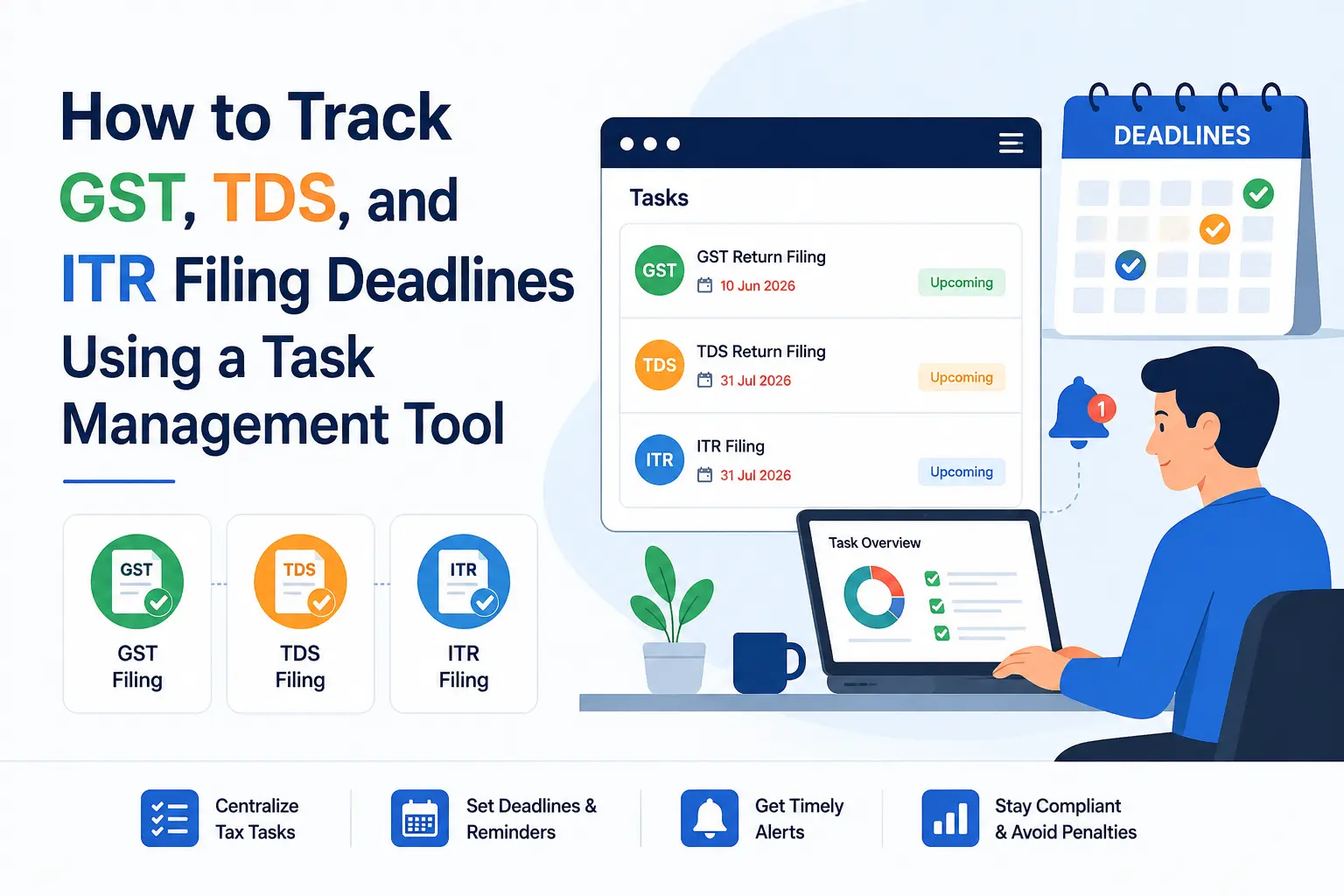
Set the internal review and approval dates before the statutory deadline. The extra time allows the team to resolve client queries, correct errors and obtain approval without last-minute pressure. A separate GST, TDS and ITR deadline workflow can keep statutory and internal dates visible together.
| Service | Preparation package | Main review focus |
|---|---|---|
| GST returns | Sales and purchase data, reconciliations, tax liability and supporting documents. | Differences, exceptions and filing readiness. |
| TDS returns | Deduction records, challans, PAN details and correction items. | Rates, payment linkage, defaults and completeness. |
| ITR assignments | Income details, deductions, tax computation, AIS/TIS and supporting records. | Classification, evidence, computation and disclosures. |
| Audit files | Planning, working papers, evidence, observations and management responses. | Documentation, conclusions, unresolved points and sign-off. |
What automation should do
Automation should support professional judgement, not replace it. The reviewer still decides whether the work is complete and correct. The system handles routine coordination around that decision through structured workflow automation.
Assign the next owner
When preparation is complete, Hidesc can route the task to the selected reviewer or approval role.
Return corrections clearly
Comments and a Changes Required status tell the preparer what needs attention.
Remind and escalate
Review reminders and overdue escalation reduce manual follow-up.
Control completion
An approval stage can keep work open until the authorized reviewer signs off.
Keep the history
Documents, comments, status changes and approvals stay with the client task.
Show the review queue
Dashboards help managers see work waiting at each stage.
Access and accountability
Use role-based permissions for sensitive work
CA firms handle tax records, financial statements, payroll data, bank records and identity documents. Not every employee should see every client file or approve every task.
Hidesc role-based permissions can match the firm's working hierarchy. Preparers can access assigned work, reviewers can open their review queue, managers can monitor team progress and partners can retain final approval rights. Internal review notes can remain hidden from clients and unrelated staff.
| Role | Typical access | Typical restriction |
|---|---|---|
| Preparer | Update assigned work, upload evidence and answer review queries. | Final approval. |
| Reviewer | Review files, add comments, request corrections and complete first review. | Unrelated confidential clients. |
| Manager | Assign work, monitor delays, review exceptions and balance workload. | Partner-only decisions where restricted. |
| Partner | Final review, approval, filing authorization and high-risk decisions. | Routine edits unless needed. |
| Coordinator | Request documents, track pending items and communicate status. | Restricted technical review notes. |
Design a checklist reviewers will actually use
Each service needs review points that match the real work. A GST checklist may cover the return period, outward supply matching, ITC checks, reconciliation differences and challan confirmation. An audit checklist may cover planning, sampling evidence, unresolved observations and final sign-off.
Keep the checklist detailed enough to support a reliable review, but short enough for the team to use every time. In Hidesc, the checklist can sit inside the service template so it appears automatically for each recurring client task.
Use exception-based review
Routine, low-risk work may need a preparer and reviewer. Complex or high-risk work may also require manager or partner approval. Hidesc workflow conditions can direct exceptions to a senior role based on the firm's own process, such as unusual transactions, repeated corrections, missing evidence or a high-risk client category.
Use statuses that describe the real situation
Avoid vague labels such as Pending when nobody knows what is pending. Useful statuses include Documents Pending, In Preparation, Ready for Review, Changes Required, Final Review, Approved, Filed, Client Confirmation Pending and Closed.
Each Hidesc status should have a clear owner and a clear action needed to move forward. A dashboard then shows whether the delay sits with the client, preparer, reviewer or approver.
Keep decisions in context
Manage review queries without losing the history
Review comments should stay with the task, working paper or document they concern. When queries move into private chats or email, the next reviewer cannot see why a correction was requested or how it was resolved.
A clear correction cycle records the reviewer comment, assigned preparer, response, updated file and the date the issue was cleared. Hidesc keeps these comments, documents and activity updates with the assignment, while document management keeps the related evidence organized, so the team does not need to reconstruct the discussion later.
Keep clients informed without exposing internal notes
Clients need simple updates: documents required, clarification needed, information under review, filing complete or deliverable ready. They do not need every internal quality-control comment.
The Hidesc client portal can show document requests and client-facing progress while role permissions keep internal review comments restricted. This gives clients useful visibility without weakening the firm's internal review process.
Plan reviewer capacity during peak seasons
Managers should be able to see how many assignments are waiting for each reviewer, how long they have been waiting and which deadlines are close. Hidesc analytics dashboards can provide this live view, helping managers reassign work or add a backup reviewer before a queue becomes a filing risk.
A ten-step implementation plan
Start with one recurring service. GST review is often a useful pilot because the work repeats, depends on documents and reconciliations, and needs approval before filing.
1. Choose one service
Map its current path from preparation to approval.
2. Define review-ready work
List the minimum documents, checks and evidence required before review.
3. Separate responsibilities
Define preparer, reviewer, manager and approver roles.
4. Create meaningful statuses
Use labels such as Ready for Review, Changes Required, Approved and Filed.
5. Build the checklist
Add service-specific review points to the Hidesc template.
6. Set internal deadlines
Schedule review and approval before the statutory date.
7. Add reminders
Notify the current owner before an internal deadline is missed.
8. Define escalation
Send overdue or high-risk work to the right manager or partner.
9. Run a small pilot
Test the workflow with a limited client group for one complete cycle.
10. Improve and reuse it
Fix bottlenecks, then apply the template to more clients and services.
Measure the process
Metrics that help a CA firm improve
Workflow data should help the firm find process problems. It should not be used only to judge individuals. Repeated corrections may point to unclear templates, incomplete client data, training needs or unrealistic scheduling.
Hidesc reporting can bring these measures together without maintaining a separate review tracker.
| Metric | Why it matters |
|---|---|
| Work waiting for review | Shows reviewer backlog and capacity pressure. |
| Average review time | Shows how quickly work moves after preparation. |
| Correction cycles | Highlights recurring quality or checklist gaps. |
| Overdue internal deadlines | Shows where the process is breaking before the statutory date. |
| Pending client documents | Separates client delays from internal delays. |
| First-pass approval rate | Shows whether preparers submit complete, review-ready work. |
A practical rollout schedule
Week 1
Choose one service, map the current workflow, note pain points and define roles.
Week 2
Build the Hidesc template, checklist, statuses, reminders and access rules.
Week 3
Pilot the workflow with a small client group and watch how handoffs work in practice.
Week 4
Fix bottlenecks, finalize the checklist and roll it out to the wider team.
Days 31 to 90
Add exception routing, reviewer workload views and service-specific reporting. Then expand the same operating rules to TDS, ITR, audits, accounting and advisory work.
Common mistakes to avoid
- Automating a confusing process before simplifying it.
- Creating too many statuses or approval levels.
- Sending every reminder to the whole team.
- Giving broad access to confidential client documents.
- Using the statutory date as the only deadline.
- Sending work for review without completion criteria.
- Moving review comments into private chats.
- Tracking approvals in a separate spreadsheet after setting up Hidesc.
Questions CA firms often ask
Frequently asked questions
Can a CA firm automate GST review?
Yes. The firm can automate document requests, preparation tasks, reviewer assignment, correction notices, approval routing and closure records. Technical review and filing authorization remain with the responsible professional.
What is the difference between task management and approval workflows?
Task management tracks what must be done, who owns it and when it is due. An approval workflow adds controlled review stages, correction cycles and authorization before work can move forward.
How many approval levels should a firm use?
Use the fewest levels needed for quality and risk control. Routine work may need a preparer and reviewer. Complex or high-risk work may also need manager or partner approval.
Can a small CA firm use this process?
Yes. A reusable Hidesc workflow reduces dependence on memory even when one person performs more than one role. The stages can remain simple and still create a clear record.
How do approval workflows help with audits?
They keep working papers, review notes, unresolved issues, evidence and sign-offs connected to the same assignment. This makes pending work and previous decisions easier to understand.
What should happen when a reviewer rejects work?
The task should return to the preparer with a clear comment, required correction, revised due date and a visible Changes Required status. The next review should retain the earlier discussion and file history.
Should statutory and internal deadlines be the same?
No. Internal deadlines should be earlier so the firm has time to review, resolve queries, correct errors and obtain approval.
Does workflow automation replace a chartered accountant's judgement?
No. Hidesc coordinates tasks, reminders, routing, access and records. Technical conclusions, professional scepticism, review decisions and final authorization remain human responsibilities.
Final takeaway
Build one clear path from preparation to approval
A CA firm does not need another spreadsheet to manage reviews. It needs a repeatable path with clear owners, review-ready criteria, internal deadlines and recorded decisions.
Start with one recurring service. Build its stages in Hidesc, test the workflow with real client work and improve it after one complete cycle. Once the process works, adapt the same structure to other compliance, audit, accounting and advisory assignments. Firms can also connect these stages to a structured client document collection workflow.
The result is a review process that is easier to see, easier to manage and less dependent on individual follow-up.
Related Hidesc resources
Editorial note: This article explains workflow design and is not tax, audit or legal advice. Review service checklists and compliance steps against the firm's professional requirements before publication.